Connections
1
Connect the mains power cord. Select the appropriate
mains power cord for your region, and connect it to
the power cord receptacle on the rear panel and to a
suitable grounded AC power outlet. Place the power
supply so that the fan on the back panel and the
vents on the bottom are not obstructed.
2
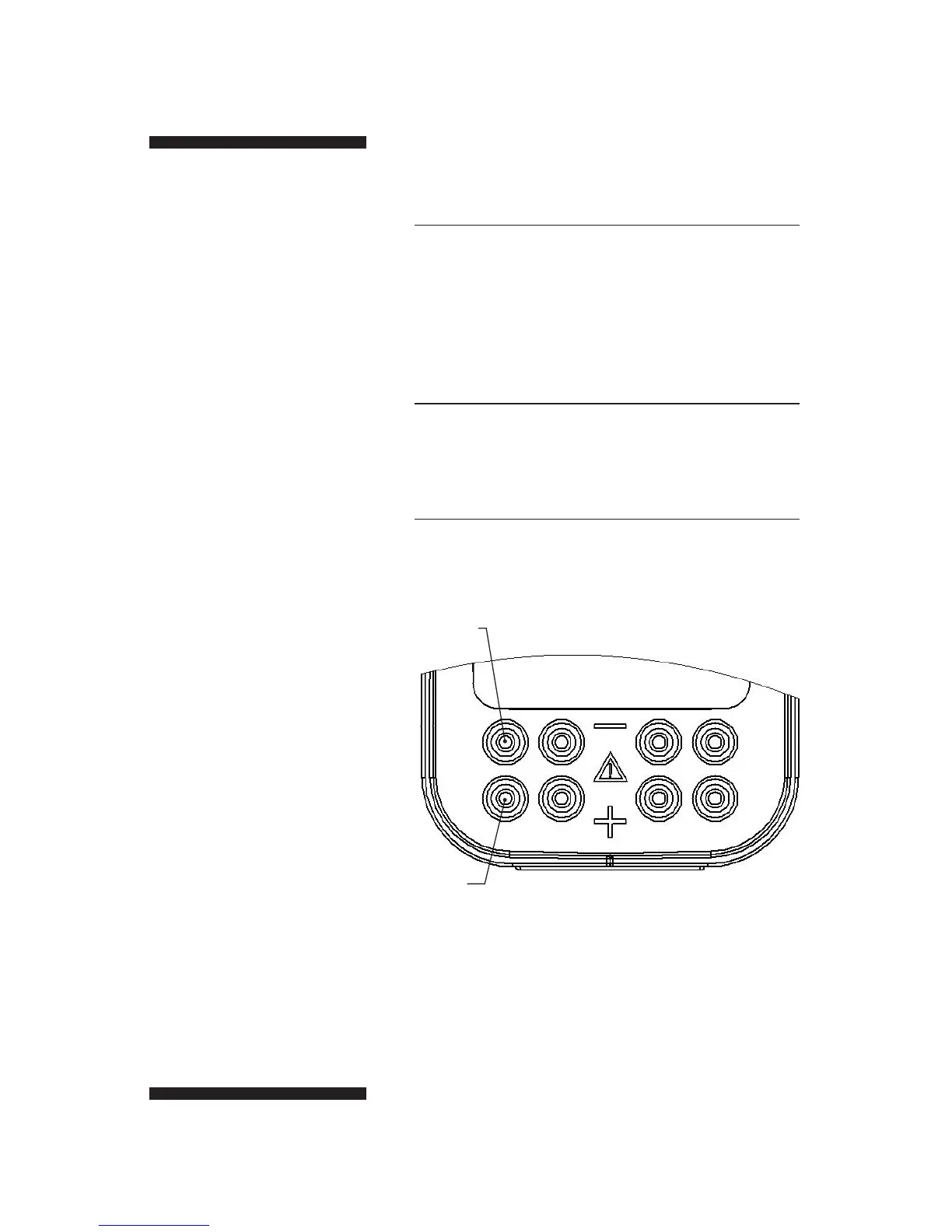
Connect the HV power leads. Connect the apparatus
to the power supply by plugging the lead connectors
into one pair of the recessed output jacks (Fig 4).
3
Turn on the main power switch on the rear panel. The
front panel should be illuminated.
•
p8
Fig 4. The output jacks are
recessed and color coded.
black jacks
red jacks


 To Next Page