48 HIT-4 Communication Program
HP-327 HIT-4U
Table Points:
Set the number of points to be used for the linearization table.
Valid entries are 2 to 20.
Average K-Factor:
Enter the average flowmeter K-Factor. Valid entries are 0.001
to 9999999.9.
Correction Factor:
Enter flow and total multiplier. Valid entries are 0.001 to
99999.999.
K-Factor Method:
Select flowmeter linearization method as “Average” (single
K-Factor) or “Linear” (2 to 20 point linearization table), or
"Viscosity".
K-Factor Units:
The K-Factor Units selection provides a way to enter calibration
data in various units of measure. The units of measure must be
selected prior to entering the K-Factors. When K-Factors are
written to the device, they are converted to and stored in the base
units pulses/gallon. The K-Factor Units parameter is provided
for convenience and is not stored in the device.
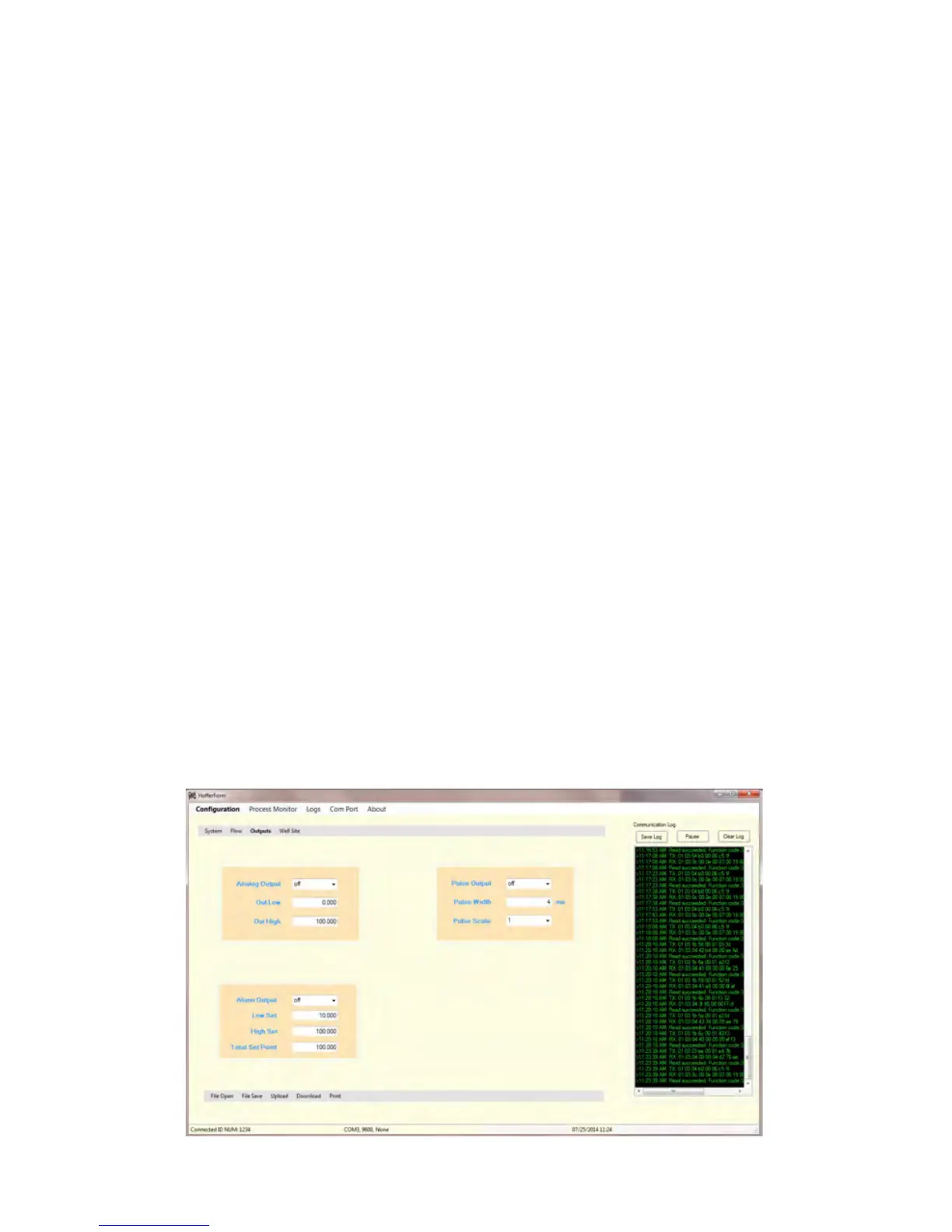
Outputs Page
The Outputs Configuration screen is used to configure the Analog, Alarm
and Pulse outputs.


 To Next Page