FAQ
09EN
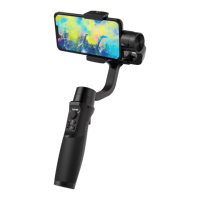
Q: Why does the gimbal vibrate after powering on?
A:
1. Make sure to mount the mobile phone before powering on the
gimbal.
2. If the mobile phone is too heavy or too light, adjust the motor
power through the app (Hohem Joy-Settings-Motor response).
Q: Why the phone app cannot be connected with the gimbal
via Bluetooth?
1. Enable phone Bluetooth (Enable ONLY)
2. Turn on the gimbal
3. Launch Hohem Joy app
4. Connect Bluetooth in the app through pop-up prompt or
Bluetooth search interface
(Device name is "iM5-xxxxxx")
5. Click the device to connect
(Important! The Bluetooth has to connect in the app!)
*If the connection fails, please exit the app, restart the Bluetooth,
follow the above steps and try again.


 To Next Page