10
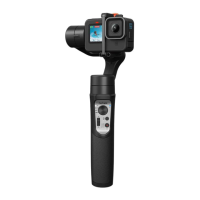
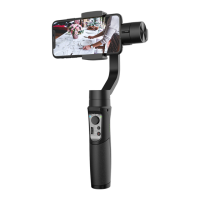
❶ Joystick
Push Up/Down: Tilt Control Push Left/Right: Pan Control
❷ Mode Indicator
PF: Pan Follow L: AII Locked
PTF: Pan & Tilt Follow POV: All Follow & Inception
❸ Zoom Slider
(Available in the Hohem Joy / Android 10.0 or later, please ensure the
Bluetooth pairing.)
Push up: Zoom in Push down: Zoom out
❹ Bluetooth Indicator
Soild green: Gimbal is connected with phone
Bluetooth
Soild red: Gimbal abnormality
Flashing red: a.Low battery (auto shutdown)
b.Overload (beep warning)
Blinks yellow and green alternately: Remote*
Pairing
Blinks yellow: Remote control under operation
*Remote control
is non standard
purchase. For remote
control pairing and
instructions please
see the user manual
of remote control or
FAQs.
❺ Mode Button
Single press: Switch between gimbal modes
Triple press: 600° Auto inception (press mode button to stop the rotation)
Press ve times: Auto calibration
❻ Power Button/ Shutter Button
Press and hold: Power on/o
Single press: Take a photo and start/end video(Please ensure Bluetooth is
connected.)
Double press: Switch photo/video modes(Only available in the Hohem Joy /
Android 10.0 or later, please ensure the Bluetooth pairing.)
Triple press: Switch front/rear cameras(Only available in the Hohem Joy /
Android 10.0 or later, please ensure the Bluetooth pairing.)
❼ Trigger Button
Press on: Sport mode
Press once, and then press and hold:L(All locked)
Double press: Recenter the gimbal
Press 4 times: Switch to Ultra-Wide-Angle Shot












 To Next Page