HMPRO36AD OPERATOR’S MANUAL
www.holemaker.com
7
3. STARTUP AND OPERATION
3.1. Installing and removing the handle
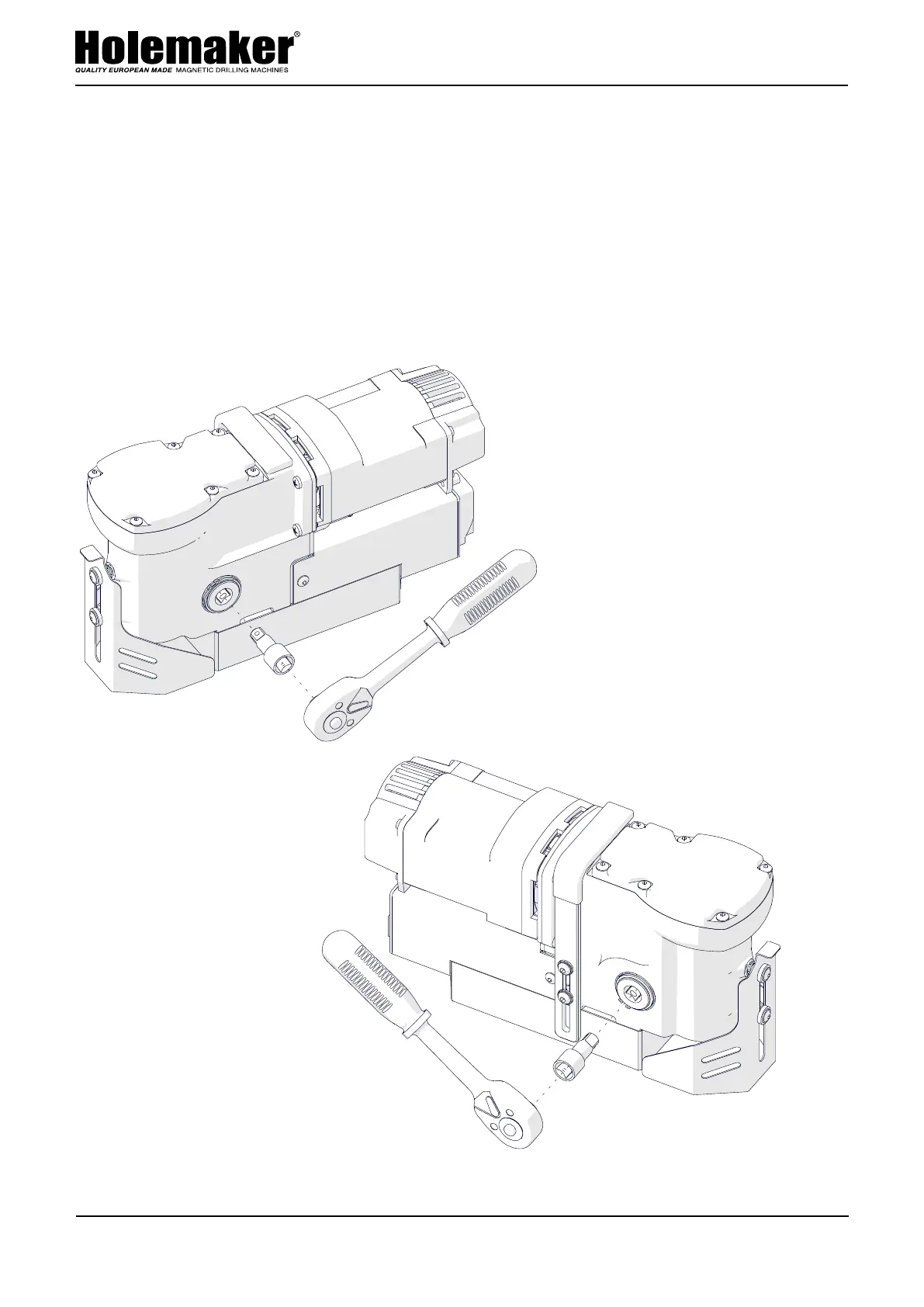
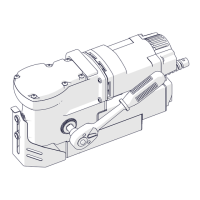
Install the handle by using the adapter as shown in Fig. 1. The handle can be installed
from the opposite side of the machine to allow working in places hard to reach or
using the machine by a left-handed person.
To remove the handle, pull it out.
Fig. 1. Installing the handle
This document is protected by copyrights.
Copying, using, or distributing without permission of PROMOTECH is prohibited.
8


 To Next Page