11 of 16
Operation
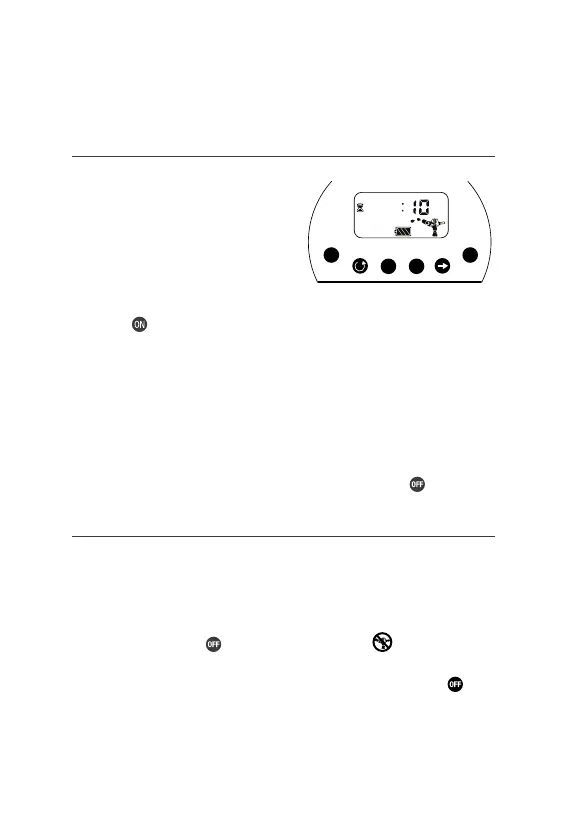
Manual Watering
Ý MANUAL allows you to manually
turn on your tap timer and
set a watering duration
Ý This will not effect your
automatic schedule
1. Press to begin manual watering. The pre-set time is 10 minutes.
This will start automatically unless the duration is changed
2. Manually set the duration time using or
3. Once the watering duration has finished, the Tap Timer will
automatically end watering and return to the automatic schedule
Ý You can stop manual watering at any time by pressing
Suspend Watering Schedule
Ý Use this feature when you want to temporarily suspend
the automatic schedule. This feature is generally
used when it has been raining or during winter
Ý Suspension: Press and the sprinkler off icon will appear
Ý Cancel Suspension: to resume the automatic schedule press
Ý Manual operation can still be used during suspension
M Tu W Th F Sa Su
Time
Mode
Manual
Adjust
Set
Duration
Days
Starts
OFF ON
+
-
E
F
E



 To Next Page