6 of 16
a
Setup
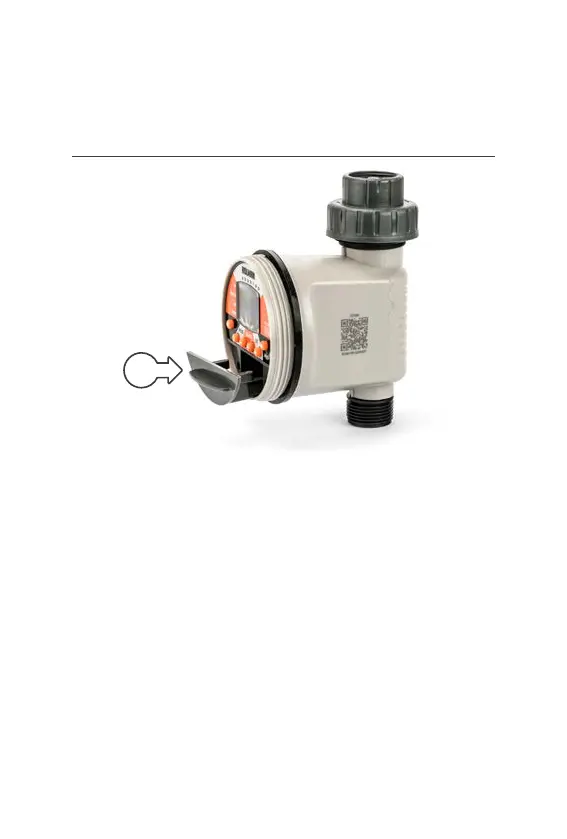
Battery Installation
1. Hold the Tap Timer with the battery compartment facing you
2. Remove the battery compartment tray [a]
3. Connect a 9V alkaline battery to the battery connector
4. Insert the connected battery and push in
the battery compartment tray
Ý When changing a battery, the TapTimer will hold the current
program if you fit the battery within 2 minutes. When changing
the battery, make sure the battery compartment stays dry
Ý Use only 9V alkaline batteries



 To Next Page