-18-
12.3 Take Photo/Record Video
Attention: You can't take photos while recording videos.
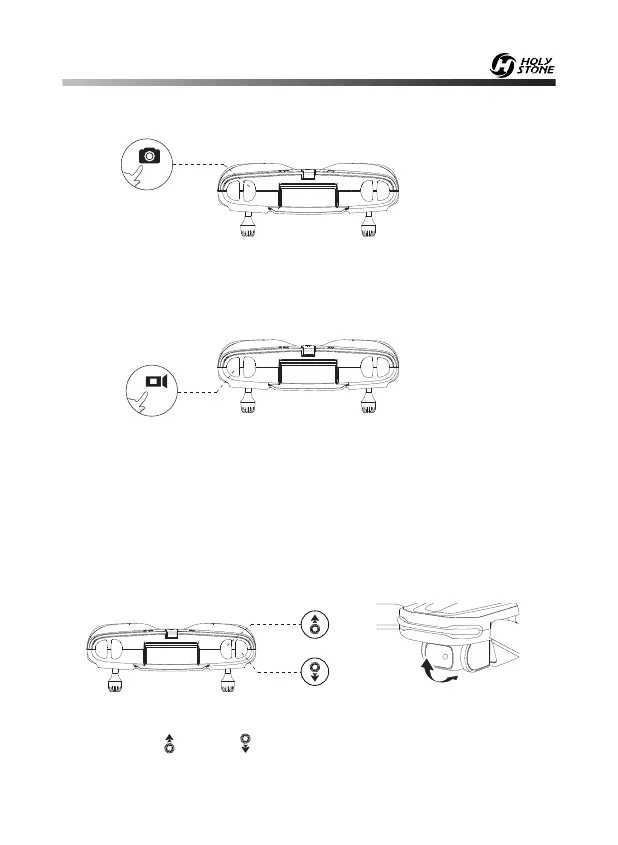
Take Photo: Short press the Photo button on the transmitter to take photos.
You will hear one beep, which indicates that the camera has successfully
taken one photo.
Record Video: Short press the Video button on the transmitter. You will
hear two beeps which means the recording has started. Press again to exit
the recording, and you will hear a long beep from the transmitter.
12.4 Camera Angle Adjustment
As shown above, you can adjust the camera to tilt up or down through the
two buttons “ ” and “ ”.
(The camera has an 80° tilt range.)
- - - - - - - - - - - - - - - - - - - - - - - - - - - - - - - - - - - - - - - - - - - - - - - - - - - - -


 To Next Page