EasyManua.ls Logo

Holy Stone HS900 - Recommended Steps

Holy Stone HS900
27 pages
Print Icon
To Next Page IconTo Next Page
To Previous Page IconTo Previous Page
Loading...
Reading
Guidance
Icon
A"
essential
precautions.
@
tips
for
operation and
usage.
Recommended
Steps
Our
product
offers
both
tutorial
videos
and
the
following
resources:
©
Disclaimer
and
Safety
Guidelines
©
Quick
start
Guide
@
User
Manual
For
a
smooth
start,
we
suggest
watching
the tutorial
videos
and
reviewing
the
"Disclaimer
and
Safety
Guidelines'
first.
Then,
familiarize
yourself
with
the
basics
through
the
‘Quick
Start
Guide”.
For
a
comprehensive
understanding,
delve
into
the
‘User
Monual.
Access
tutorial
Videos
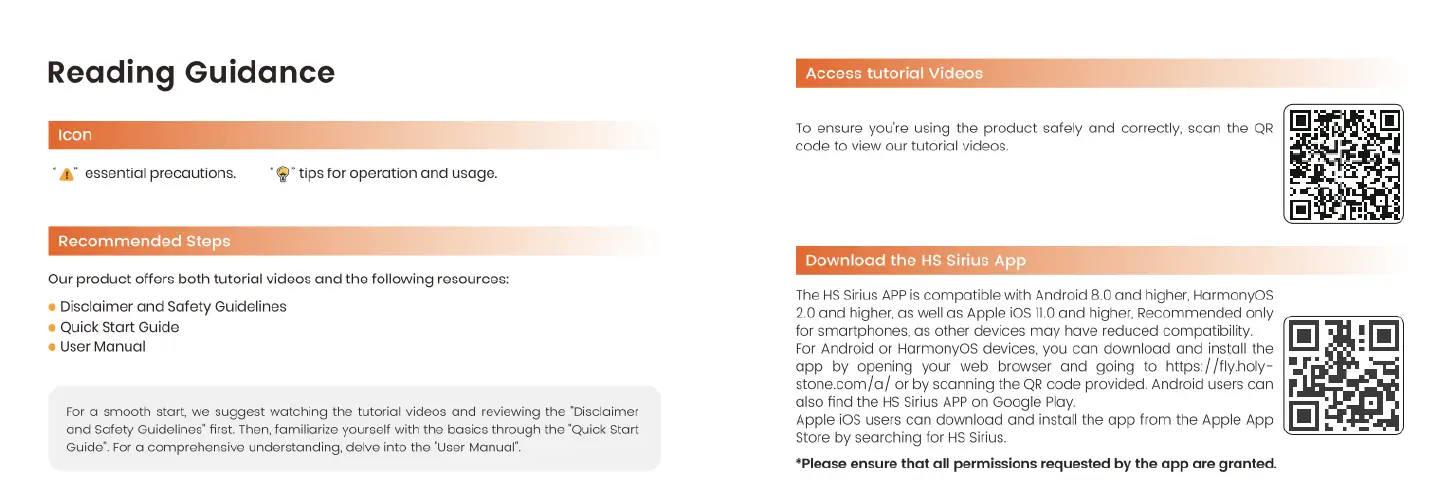
To
ensure
youre
using
the
product
safely
and
correctly,
scan
the
QR
code
to
view
our
tutorial
videos
Download
the
HS
Sirius
App
The
HS
Sirius
APP
is
compatible
with
Android
8.0
and
higher,
HarmonyOs
2.0
and
higher,
as
well
as
Apple
i0S
110
and
higher,
Recommended
only
for
smartphones,
as
other
devices
may
have
reduced
compatibility.
For
Android
or
HarmonyOs
devices,
you
can
download
and
instal
the
app
by
opening
your
web
browser
and
going
to
https://fly.holy-
stone.com/a/
or
by
scanning
the
QR
code
provided.
Android
users
can
also
find
the
HS
Sirius
APP
on
Google
Play.
Apple
i08
users
can
download
and
install
the
app
from
the
Apple
App
store
by
searching
for
HS
Sirius.
*Please
ensure
that
all
permissions
requested
by
the
app
are
granted.