EasyManua.ls Logo

Holy Stone HS700 - User Manual

Holy Stone HS700
18 pages
Print Icon
To Next Page IconTo Next Page
Loading...
6
www.holystone.com
1(855) 888-6699
usa@holystone.com (USA)
ca@holystone.com (CA)
eu@holystone.com (EU)
jp@holystone.com (JP)
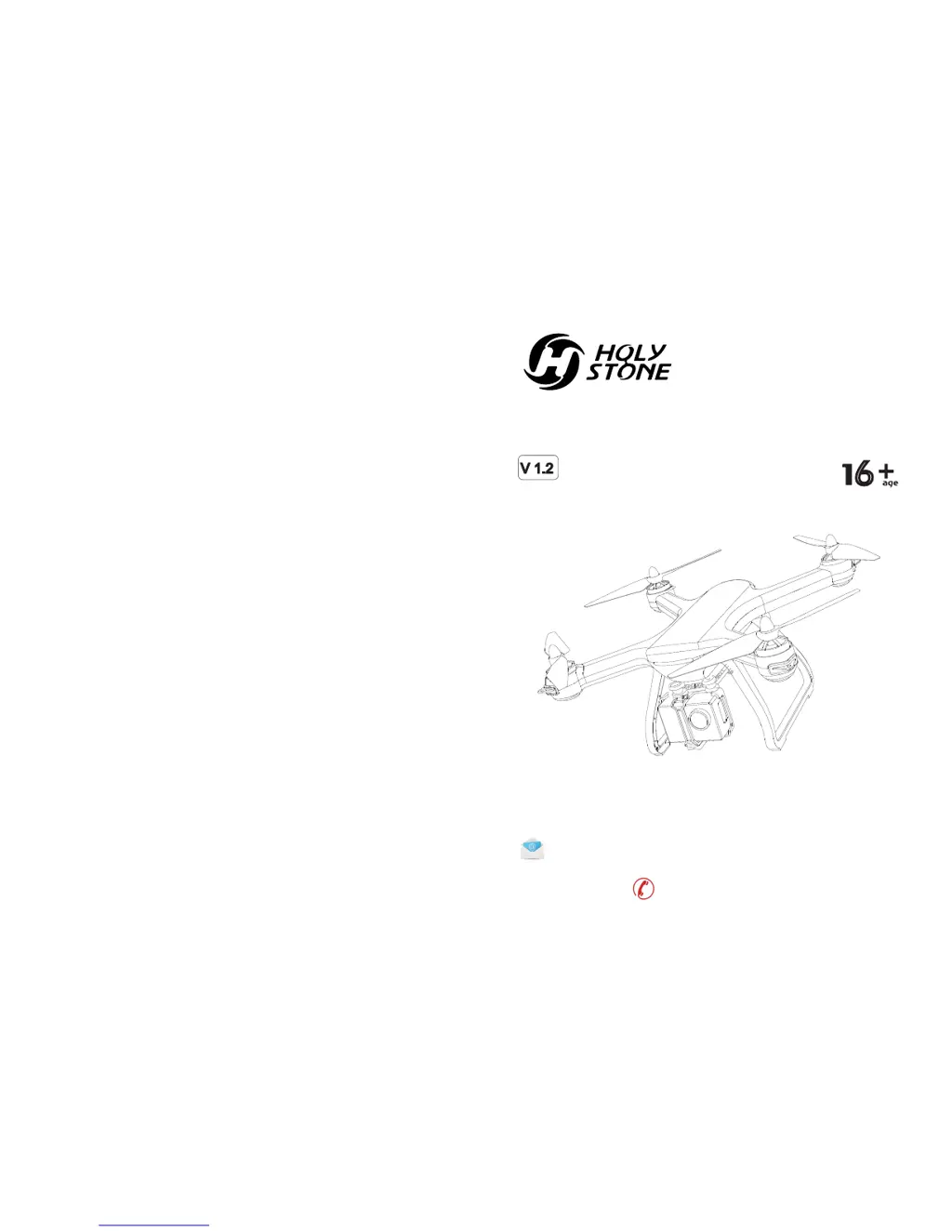
HS700
Instructions For Use
V 1.2

Questions and Answers

  • J
    Joseph SmithAug 3, 2025
    What to do if my Holy Stone Drone could not be unlocked and the rear light flashed?
    • J
      Jennifer KelleyAug 4, 2025
      If your Holy Stone Drone won't unlock and the rear light is flashing, it's likely that the drone battery voltage is too low. The suggested solution is to fully charge the battery.
  • E
    Edwin BrownAug 10, 2025
    How to fix a Holy Stone Drone if the indicator light keeps flashing rapidly?
    • E
      edwin75Aug 10, 2025
      If the indicator light on your Holy Stone Drone keeps flashing rapidly when powered on, place the drone on a flat and level surface. This indicates that the drone is in the gyroscope calibration state.
  • J
    Jennifer ClarkAug 18, 2025
    Why does my Holy Stone Drone vibrate in flight?
    • O
      Olivia JarvisAug 19, 2025
      If your Holy Stone Drone vibrates during flight, it might be due to a deformed propeller. Replace the propeller with a new one to resolve this issue.
  • S
    Shannon ScottAug 27, 2025
    What to do if Holy Stone Drone cannot hover after takeoff and tilts to one side?
    • W
      williamssergioAug 27, 2025
      If your Holy Stone Drone can't hover after takeoff and tilts to one side, place the drone on a flat, level surface and repeat the gyro calibration.

Summary

Disclaimer and Warning

Pre-Flight Checks

Check drone setup, batteries, and propellers for safe operation before flight.

Safety Guidelines

Flight Environment Conditions

Operational Requirements

Battery Usage Guidelines

Product Maintenance

Package Contents

Installation Guide

Phone Holder Installation

Instructions for installing and removing the phone holder on the transmitter.

Camera Installation

Steps to attach the camera, connect the USB cable, and mount it on the drone.

Landing Gear Installation

Propeller Installation

Drone Components Overview

Transmitter Overview

Transmitter Functions

Overview of transmitter buttons, joysticks, and their functions for drone control.

Transmitter LCD Screen Functions

Explanation of icons and data displayed on the transmitter's LCD screen.

Transmitter Mode Switch

Mode 2 Operation

Description of default MODE 2 joystick controls for drone flight.

Mode 1 Operation

Instructions for switching to and operating in MODE 1.

Battery Charging

Operation Guide

Download Mobile Application

Steps to download and install the 'Ophelia GPS' mobile application.

Transmitter Battery Installation

Instructions for installing AA batteries into the transmitter.

Drone Battery Installation and Removal

Procedure for installing and removing the drone's battery.

Drone Pairing Procedure

Initialization Detection Process

Gyro Calibration

Compass Calibration

Using the Mobile Application

Drone Unlock and Lock

Unlocking the Drone

Methods to unlock the drone's motors for flight.

Locking the Drone

Procedure to lock the drone's motors after landing.

One Key Takeoff and Landing

Flight Control with Joysticks

Advanced Functions

Transmitter Joystick Calibration

Steps to calibrate the transmitter joysticks for accurate flight control.

Headless Mode Operation

Return to Home Function

Smart Return to Home

Procedure for initiating Smart Return to Home mode using the transmitter button.

Failsafe Return to Home

Explanation of automatic Return to Home triggered by signal loss.

Low Voltage Return to Home

Product Specifications

General Information and Notices

Holy Stone HS700 Specifications

General IconGeneral
BrandHoly Stone
ModelHS700
CategoryDrones
CameraYes
GPSYes
Battery Capacity2800mAh
Charging Time5-7 hours
Follow Me ModeYes
Return to HomeYes
FoldableNo
Wind ResistanceLevel 5
Battery2800 mAh
Camera Resolution4K
Weight500 grams

Related product manuals