EasyManua.ls Logo

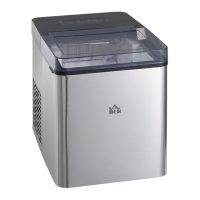
HOMCOM 800-139V70 - User Manual

HOMCOM 800-139V70
28 pages
Print Icon
To Next Page IconTo Next Page
Loading...
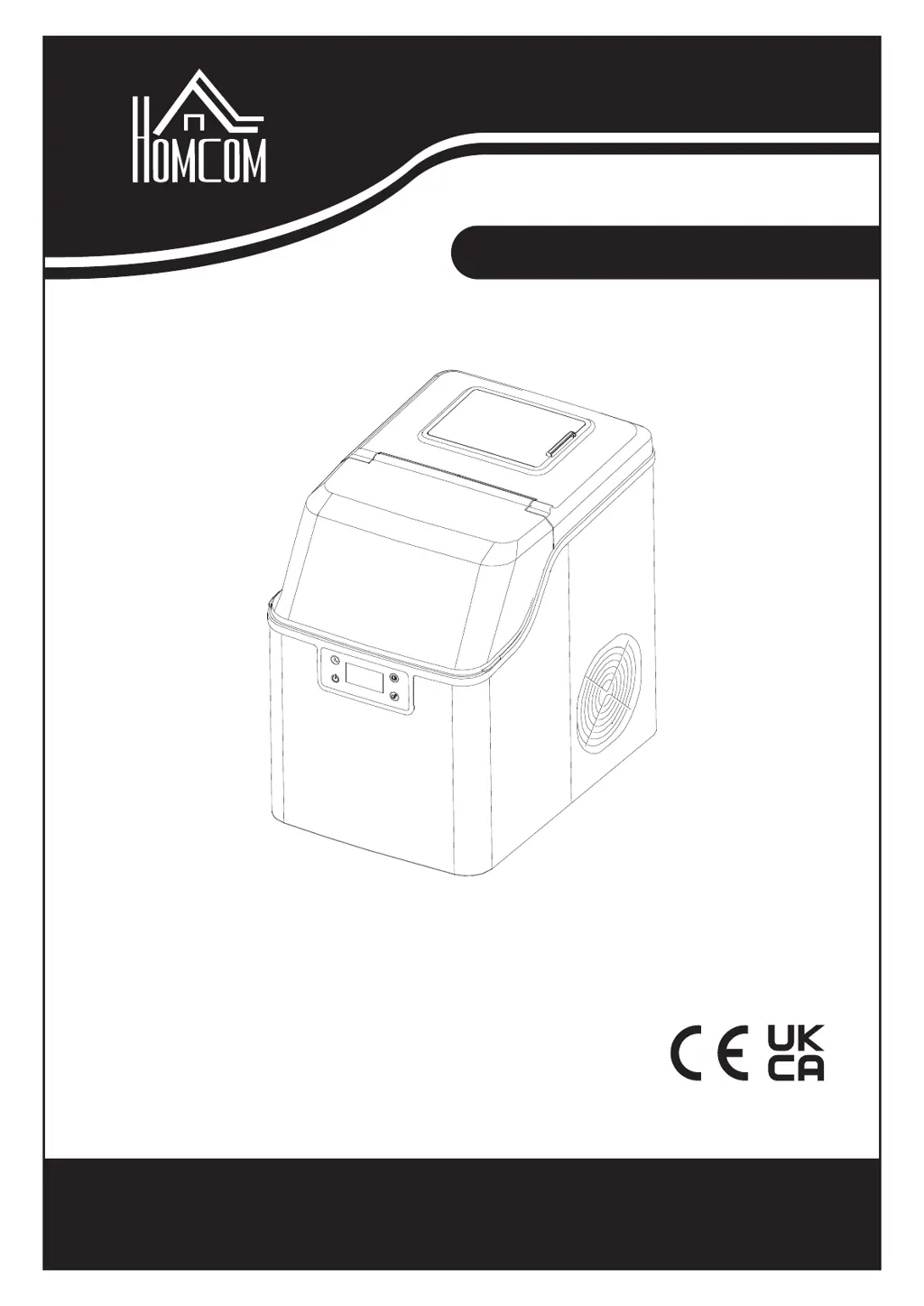
ASSEMBLY INSTRUCTION
INcsb075_UK_DE_IT
800-139_800-139V70
IMPORTANT, RETAIN FOR FUTURE REFERENCE: READ CAREFULLY
ICE MAKER
EISMASCHINE
MACCHINA DEL GHIACCIO

Questions and Answers

  • G
    gloverhollyAug 10, 2025
    What to do if the HOMCOM Ice Maker holes are blocked?
    • Z
      Zachary MarshallAug 10, 2025
      If the holes in your HOMCOM Ice Maker are blocked, try the following: * Clean out each hole to ensure water can flow freely. * Clean the water filter. * If the ice-making cycle is too long, decrease the time by pressing '-'. * If the ambient temperature is high, move the unit to a cooler place. * Ensure the water temperature is 25°C (77°F) or lower. * If the ice-making cycle is too short, increase the time by pressing '+'. * Make sure the ambient temperature is below 30°C (86°F) and use cold water in the tank. If these steps don't resolve the issue, have a qualified technician check for refrigerant system leakage or blockage.
  • M
    Michael WilsonAug 18, 2025
    Why is the < > light on my HOMCOM 800-139V70?
    • A
      Austin WiseAug 18, 2025
      The < > light on your HOMCOM Ice Maker indicates a problem. This could be due to: * Lack of water: Turn off the unit, add water to the level, and restart. * Too many ice cubes: Remove some ice from the basket. * Solenoid valve fault: In this case, check with a qualified technician.
  • J
    John DickersonAug 26, 2025
    What to do if is on on HOMCOM 800-139V70?
    • O
      owatsonAug 26, 2025
      If is displayed on your HOMCOM Ice Maker, it indicates a fault with the ambient temperature sensor. The unit can still work, but consider changing the sensor.
  • M
    micheal36Sep 2, 2025
    What to do if is on on HOMCOM Ice Maker?
    • E
      emilybarkerSep 2, 2025
      If is displayed on your HOMCOM Ice Maker, it indicates a fault with the ambient temperature sensor. The unit can still work, but consider changing the sensor.

Summary

Preparing Your Ice Maker for Use

Important Safety Tips

Covers crucial safety precautions for electrical appliances, including supervision, cord safety, and extension cord usage.

Getting to Know Your Unit

Control Panel Overview

Details the functions of the control panel buttons (Timer/Clean, ON/OFF) and displays (LCD, symbols, error codes).

Operating Procedures and Maintenance

Unpacking Your Ice Maker

Instructions for unpacking, initial cleaning, placement, and settling time before plugging in the appliance.

Cleaning and Maintaining Your Ice Maker

Steps for cleaning the ice maker's interior, exterior, and draining water before initial use.

Regular Appliance Cleaning

Details cleaning procedures for the water separator pipe, water tank, and reservoir, including melting stuck ice cubes.

Draining Water from Tanks

Instructions on how to drain water from the unit's tanks by removing the drain port cap.

Using the Ice Maker

Operation Panel and Display

Explains how to operate the ice maker, including filling water, starting the unit, and understanding display indicators.

Timer Settings and Self-Cleaning

Details timer functions for unit off/on settings and the automatic self-cleaning programme.

Troubleshooting

Technical Parameters and Circuit Diagram

Technical Parameters

Lists technical specifications of the ice maker, including model, power, refrigerant, and weight.

Circuit Diagram

Provides the electrical schematic diagram for the ice maker, showing components and connections.

HOMCOM 800-139V70 Specifications

General IconGeneral
BrandHOMCOM
Model800-139V70
CategoryIce Maker
Ice Storage Capacity1.5 lbs
Frequency60Hz
Weight16.5 lbs
MaterialPlastic
ColorSilver
Ice Production Capacity26 lbs per day
Water Reservoir Capacity2.2 L
TypePortable Ice Maker

Related product manuals