EasyManua.ls Logo

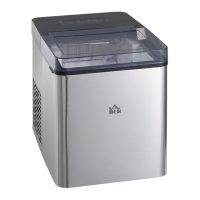
HOMCOM IM2100-GS - User Manual

HOMCOM IM2100-GS
22 pages
Print Icon
To Next Page IconTo Next Page
Loading...
ASSEMBLY INSTRUCTION
800-063V81_800-063V80
INcsb001_US_CA
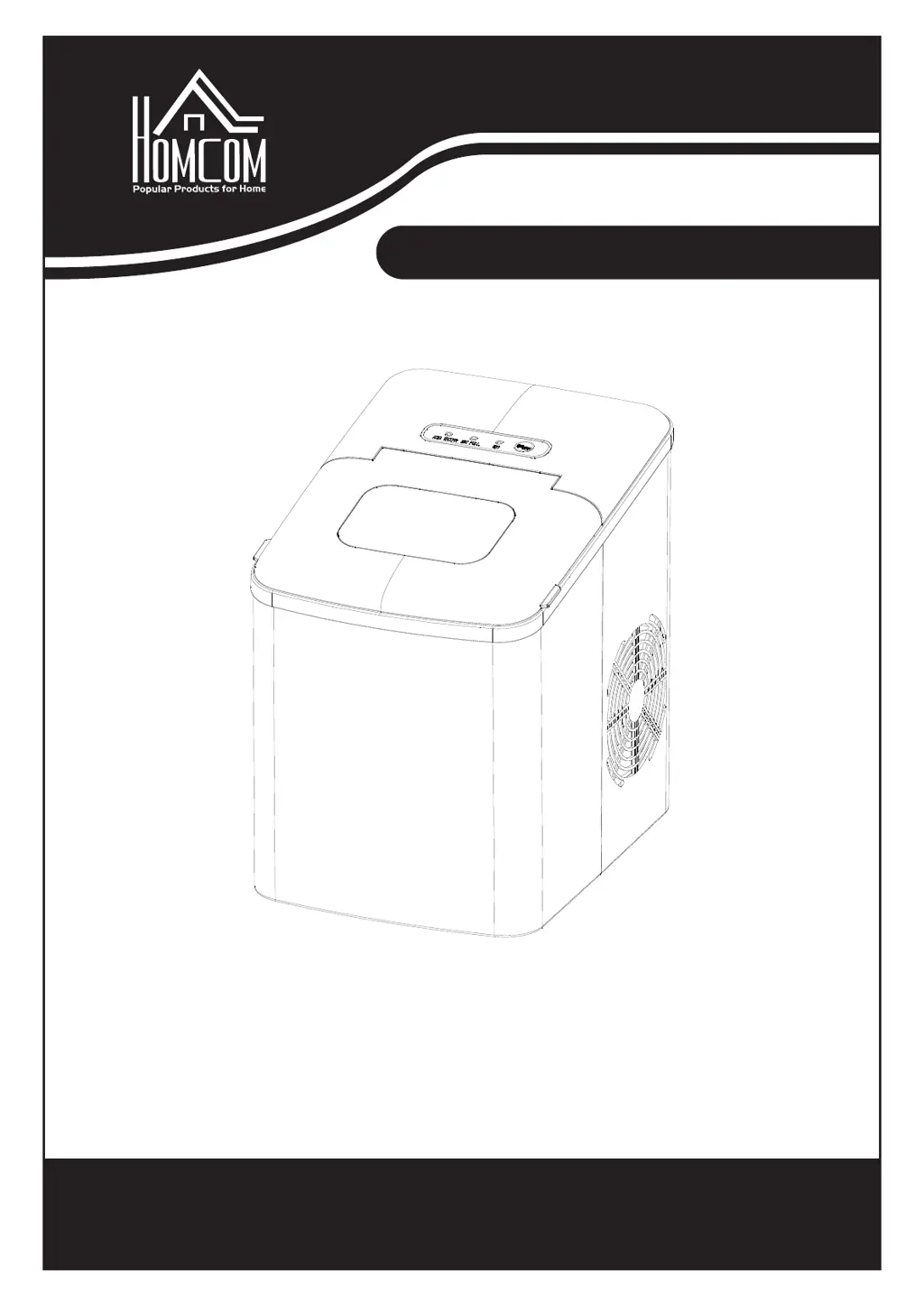
EN: ICE MAKER
READ AND SAVE THIS INSTRUCTION FOR FUTURE USE
FR:Machine à glaçons

Questions and Answers

Summary

Important Safety Instructions

Electrical Safety

Ensure proper electrical connections, grounding, and use of extension cords for safe operation.

Operational Precautions

Follow guidelines for safe placement, operation, and use of approved attachments.

Handling and Environment

Adhere to handling, cleaning, and environmental guidelines to prevent damage and hazards.

User Responsibility and Supervision

Ensure proper supervision, intended use, and responsible disposal of the appliance.

Know Your Ice Maker

Ice Maker Components Overview

Identifies key external and internal components of the ice maker.

Control Panel Overview

Details the functions and indicators on the control panel.

Before First Use

Unpack and Check Accessories

Verify all included accessories are present after unpacking.

Placement and Leveling

Ensure the ice maker is placed on a stable, level surface with adequate ventilation.

Initial Positioning and Settling

Allow unit to settle for 2 hours after moving before initial operation.

Ventilation and Heat Sources

Maintain 6-inch clearance for ventilation and keep away from heat sources.

Water Filling Temperature

Use room temperature or cooler water; avoid hot water.

Operating Environment Temperature

Do not use in very cold environments (below 5°C).

Using Your Ice Maker

Prepare for Operation

Ensure drain plug is closed, plug in unit, and allow rest if moved.

Fill Water Reservoir

Fill the water reservoir with drinking water, not exceeding the MAX level.

Start Ice Making Cycle

Press ON/OFF, indicator lights solidify, cycle takes 7-15 minutes.

Ice Production Process

Details water pumping, ice formation on evaporator, and ice transfer.

Full Ice Basket Indicator

ICE FULL indicator signals a full basket; remove ice, unit restarts.

Add Water Indicator

ADD WATER indicator signals low water; refill and restart.

Cleaning and Maintenance

Prepare for Cleaning

Stop cycle, unplug, warm up, drain residual water.

Drain Water Reservoir

Move appliance forward, open drain plug to drain excess water.

Clean Interior and Accessories

Clean interior with vinegar solution, rinse. Wash basket and scoop.

Clean Exterior

Wipe exterior with a damp cloth and mild soap if needed.

Cleaning Precautions

Avoid organic solvents, boiled water, strong chemicals, and cleaning the evaporator.

Storage Preparation

Empty and dry the water reservoir for long-term storage.

Troubleshooting

ADD WATER Indicator

Troubleshooting for the ADD WATER indicator.

ICE FULL Indicator

Troubleshooting for the ICE FULL indicator.

Ice Collecting Together

Addressing issues with ice cubes collecting together.

No Ice Production

Resolving problems where no ice is produced.

Technical Parameters

Appliance Specifications

Details model, climate, power, dimensions, and weight.

Summary

Important Safety Instructions

Electrical Safety

Ensure proper electrical connections, grounding, and use of extension cords for safe operation.

Operational Precautions

Follow guidelines for safe placement, operation, and use of approved attachments.

Handling and Environment

Adhere to handling, cleaning, and environmental guidelines to prevent damage and hazards.

User Responsibility and Supervision

Ensure proper supervision, intended use, and responsible disposal of the appliance.

Know Your Ice Maker

Ice Maker Components Overview

Identifies key external and internal components of the ice maker.

Control Panel Overview

Details the functions and indicators on the control panel.

Before First Use

Unpack and Check Accessories

Verify all included accessories are present after unpacking.

Placement and Leveling

Ensure the ice maker is placed on a stable, level surface with adequate ventilation.

Initial Positioning and Settling

Allow unit to settle for 2 hours after moving before initial operation.

Ventilation and Heat Sources

Maintain 6-inch clearance for ventilation and keep away from heat sources.

Water Filling Temperature

Use room temperature or cooler water; avoid hot water.

Operating Environment Temperature

Do not use in very cold environments (below 5°C).

Using Your Ice Maker

Prepare for Operation

Ensure drain plug is closed, plug in unit, and allow rest if moved.

Fill Water Reservoir

Fill the water reservoir with drinking water, not exceeding the MAX level.

Start Ice Making Cycle

Press ON/OFF, indicator lights solidify, cycle takes 7-15 minutes.

Ice Production Process

Details water pumping, ice formation on evaporator, and ice transfer.

Full Ice Basket Indicator

ICE FULL indicator signals a full basket; remove ice, unit restarts.

Add Water Indicator

ADD WATER indicator signals low water; refill and restart.

Cleaning and Maintenance

Prepare for Cleaning

Stop cycle, unplug, warm up, drain residual water.

Drain Water Reservoir

Move appliance forward, open drain plug to drain excess water.

Clean Interior and Accessories

Clean interior with vinegar solution, rinse. Wash basket and scoop.

Clean Exterior

Wipe exterior with a damp cloth and mild soap if needed.

Cleaning Precautions

Avoid organic solvents, boiled water, strong chemicals, and cleaning the evaporator.

Storage Preparation

Empty and dry the water reservoir for long-term storage.

Troubleshooting

ADD WATER Indicator

Troubleshooting for the ADD WATER indicator.

ICE FULL Indicator

Troubleshooting for the ICE FULL indicator.

Ice Collecting Together

Addressing issues with ice cubes collecting together.

No Ice Production

Resolving problems where no ice is produced.

Technical Parameters

Appliance Specifications

Details model, climate, power, dimensions, and weight.

HOMCOM IM2100-GS Specifications

General IconGeneral
BrandHOMCOM
ModelIM2100-GS
CategoryIce Maker
LanguageEnglish

Related product manuals