EasyManua.ls Logo

HoMedics BPS-060 - User Manual

HoMedics BPS-060
32 pages
Print Icon
To Next Page IconTo Next Page
Loading...
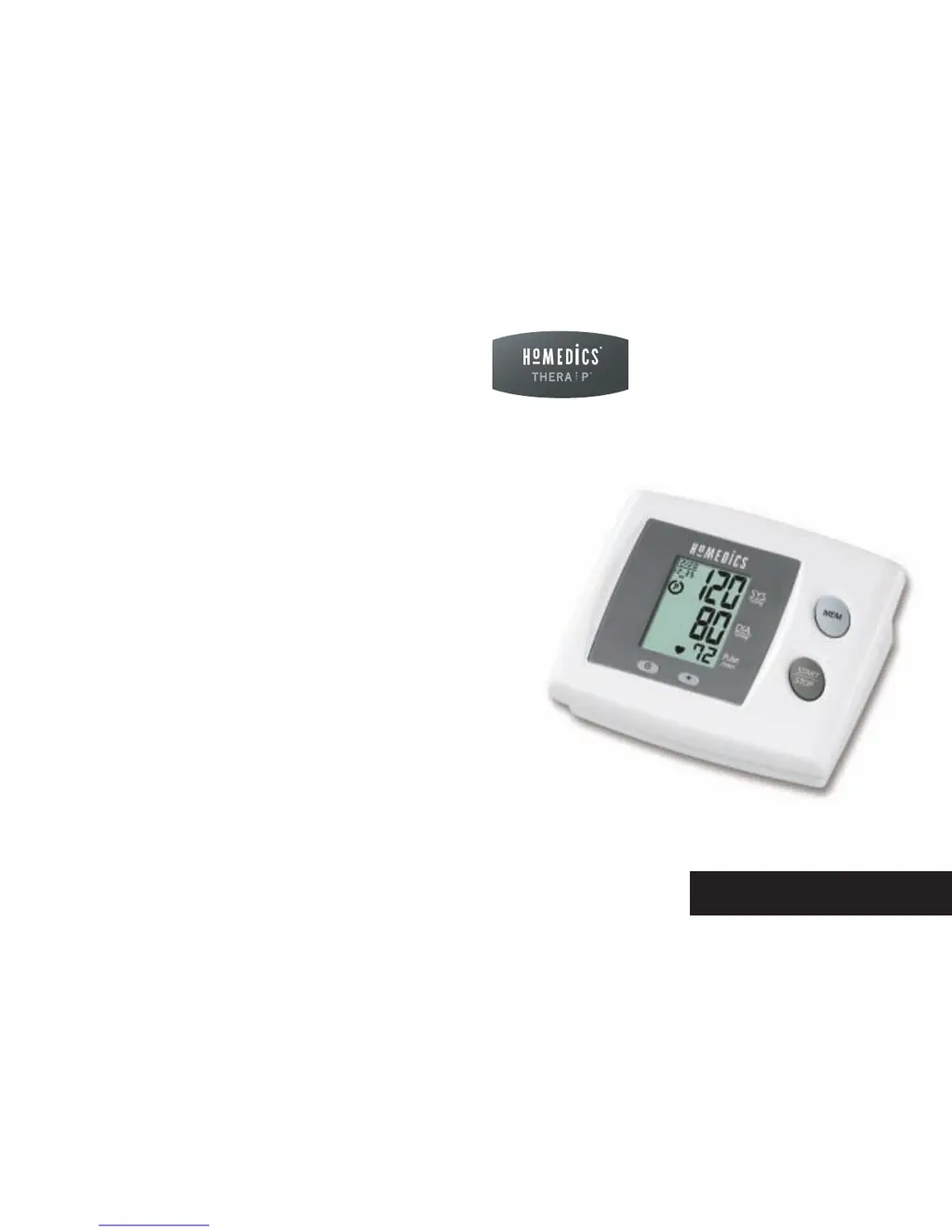
BPS-060
El manual en español
empieza en la página 34
limited warranty
lifetime
Manual Inflate
Blood Pressure Monitor

Questions and Answers

  • W
    williamsjonathanAug 15, 2025
    What to do if the HoMedics Blood Pressure Monitor shows an EE error?
    • J
      Jill BerryAug 15, 2025
      If the HoMedics Blood Pressure Monitor displays the EE error symbol or shows excessively low or high blood pressure values, it might be due to incorrect cuff placement. Ensure the cuff is wrapped properly and positioned correctly. Also, avoid talking or moving during the measurement; keep your arm steady and measure again. Shaking your arm with the cuff on can also cause this error.
  • J
    James WhiteAug 18, 2025
    Why does my HoMedics BPS-060 Blood Pressure Monitor show the E1 error?
    • J
      Jamie SmithAug 18, 2025
      If your HoMedics Blood Pressure Monitor displays the E1 error symbol, it indicates an air circuit abnormality. This could mean the cuff tube isn't correctly plugged into the monitor. Check the cuff connection and then measure again.
  • C
    Christine DiazAug 22, 2025
    How to fix a HoMedics BPS-060 Blood Pressure Monitor that won't turn on?
    • J
      Jose MasonAug 22, 2025
      If the HoMedics Blood Pressure Monitor does not turn on when you push the START/STOP button, the batteries may be depleted. Replace them with two new AA alkaline batteries. Alternatively, the battery polarities might be incorrectly positioned. Ensure you re-insert the batteries in the correct positions.
  • J
    Joshua CrawfordAug 26, 2025
    What to do if my HoMedics Blood Pressure Monitor displays the E2 error?
    • S
      Steven SimpsonAug 26, 2025
      If your HoMedics Blood Pressure Monitor displays the E2 error symbol, it means the inflation pressure exceeded 300 mmHg. Turn the unit off and then measure again.
  • T
    Tanya HarrisAug 28, 2025
    Why does my HoMedics BPS-060 show the E3 error?
    • D
      Devin HerringAug 28, 2025
      If the HoMedics Blood Pressure Monitor displays the E3 error symbol, it indicates an error in determining measurement data. Try measuring again.
  • N
    Nichole GonzalezSep 1, 2025
    What to do if HoMedics BPS-060 Blood Pressure Monitor shows EE error?
    • J
      jeanperezSep 1, 2025
      If you see the EE error symbol on your HoMedics Blood Pressure Monitor, or if the blood pressure reading seems unusually low or high, it could be due to a few reasons. First, make sure you've wrapped the cuff correctly so it's positioned properly. Also, avoid talking or moving during the measurement. Keep your arm still to ensure an accurate reading. Shaking your arm with the cuff on can also cause this error.
  • C
    Christina HodgesSep 4, 2025
    Why does my HoMedics BPS-060 Blood Pressure Monitor show E1 error?
    • M
      mark58Sep 4, 2025
      If your HoMedics Blood Pressure Monitor displays the E1 error symbol, it indicates an air circuit abnormality. Ensure the cuff tube is securely plugged into the monitor. After checking the connection, try taking another measurement.
  • C
    Charles BrownSep 7, 2025
    What to do if HoMedics BPS-060 Blood Pressure Monitor shows E2 error?
    • D
      david66Sep 8, 2025
      If your HoMedics Blood Pressure Monitor displays the E2 error symbol, it means the inflation pressure exceeded 300 mmHg. Turn the unit off and then try taking another measurement.
  • N
    Nicholas HernandezSep 12, 2025
    Why does HoMedics Blood Pressure Monitor show E3 error?
    • A
      Ashley NelsonSep 12, 2025
      If the E3 error symbol appears on the display of your HoMedics Blood Pressure Monitor, it indicates an error in determining the measurement data. Try taking the measurement again.

Summary

HoMedics Blood Pressure Monitor Safety

General Safety Precautions

Essential safety guidelines for product use, including warnings and usage restrictions.

HoMedics Monitor Features and Function

Getting Started with Your Monitor

Proper Arm Cuff Usage

Guidance on selecting and applying the arm cuff for accurate measurement.

Arm Cuff Application Procedure

Taking Accurate Blood Pressure Readings

Blood Pressure Measurement Steps

Detailed steps for taking a blood pressure measurement with the device.

Factors Affecting Measurement Accuracy

Key factors affecting accuracy, such as body position, activity, and time of day.

Performing a Blood Pressure Measurement

Initiating and Completing the Measurement

How to start the measurement, pump the cuff, and read the results.

Understanding Measurement Results

HoMedics Risk Category Indicator

Visual indication of reading risk level compared to blood pressure guidelines.

Monitor Maintenance and Service

Troubleshooting and Technical Specs

HoMedics Monitor Troubleshooting Guide

Solutions for common symptoms and error codes encountered with the monitor.

HoMedics Product Warranty and Support

Limited Lifetime Warranty Details

Details of the warranty coverage, terms, and conditions for the product.

HoMedics BPS-060 Specifications

General IconGeneral
BrandHoMedics
ModelBPS-060
CategoryBlood Pressure Monitor
LanguageEnglish

Related product manuals