EasyManua.ls Logo

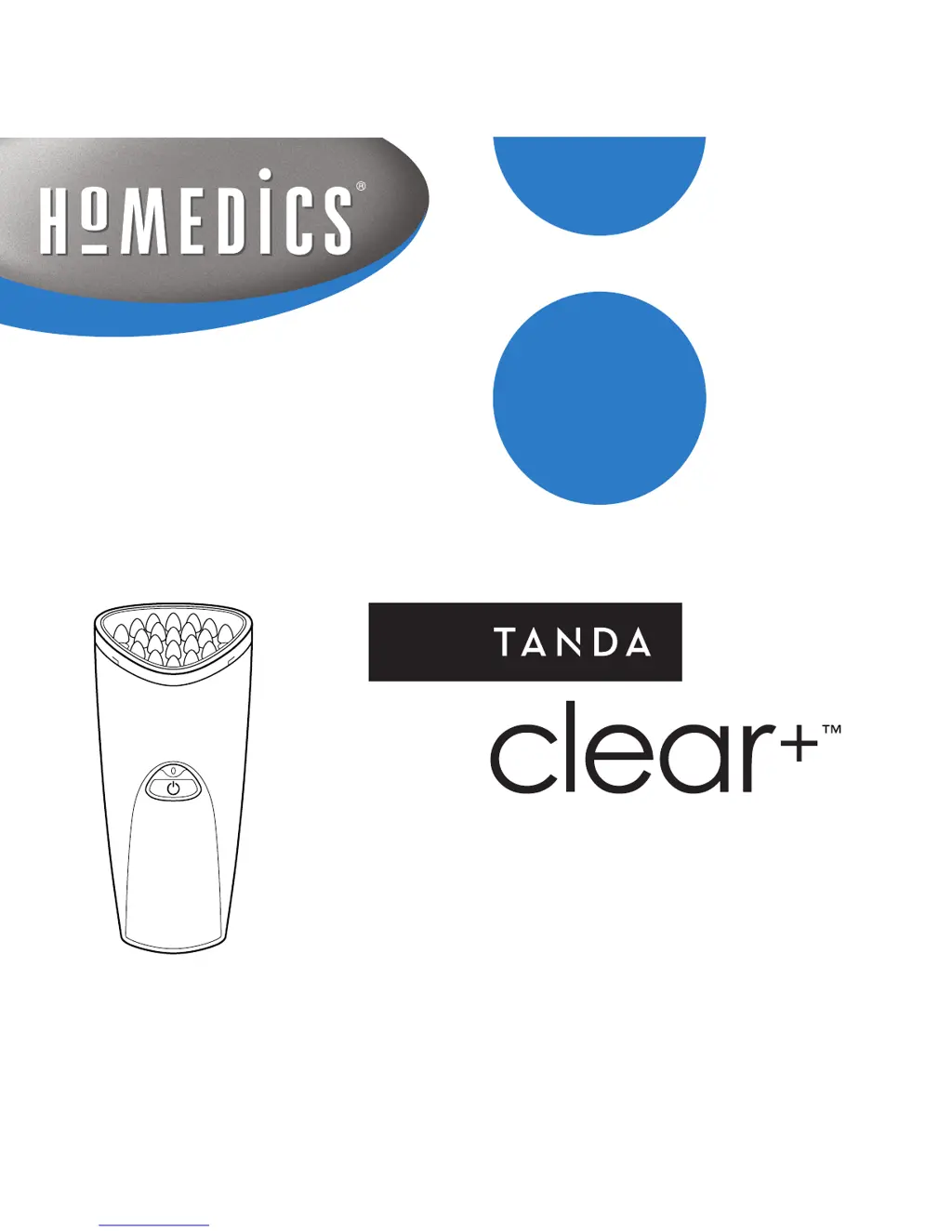
HoMedics Tanda Clear+ - User Manual

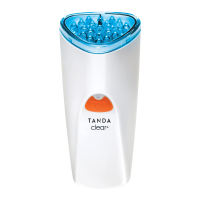
HoMedics Tanda Clear+
22 pages
Print Icon
To Next Page IconTo Next Page
Loading...
instructions for use

Other manuals for HoMedics Tanda Clear+

Questions and Answers

  • A
    Adrian MyersAug 1, 2025
    What to do if the indicator light is not orange when charging HoMedics Tanda Clear+?
    • A
      Andrew SmithAug 1, 2025
      If the indicator light on your HoMedics Personal Care Product isn't orange while charging, make sure the handpiece is firmly placed in the recharging stand and that the stand is connected to a working AC outlet.
  • X
    xhoodAug 7, 2025
    What to do if HoMedics Tanda Clear+ device shuts off mid-treatment?
    • C
      Cynthia SmithAug 7, 2025
      If your HoMedics Personal Care Product device shuts off during treatment or after only a few uses, remove the treatment head and allow the device to cool down for 5-10 minutes. Also, ensure you are charging your device correctly.
  • G
    George ColemanAug 12, 2025
    What to do if HoMedics Tanda Clear+ Personal Care Products device will not start?
    • C
      Casey HaasAug 13, 2025
      If your HoMedics Personal Care Product device will not start when you press the orange power button, check these things: * Make sure the white plug is not in the bottom of the device. * Charge the device, ensuring the indicator light turns orange while charging. * Make sure the treatment head is securely attached.
  • M
    mcintyredanielAug 25, 2025
    Why does HoMedics Personal Care Products device turn off after 3 minutes?
    • R
      Rodney SmithAug 26, 2025
      If your HoMedics Personal Care Product device turns off after 3 minutes, it means the treatment cycle has ended. Press the orange button to begin another treatment cycle.
  • A
    Alexis ThomasSep 10, 2025
    Why is light indicator off on HoMedics Personal Care Products?
    • E
      eric74Sep 12, 2025
      If the light indicator is off while the power adaptor is plugged into a working AC outlet, it could mean either: * The battery pack is fully charged, and the device is ready for use. * The battery isn’t charging properly; make sure the device is securely placed in the recharging stand.

Summary

Package Contents

Clear+ Treatment Head

The main treatment component of the device.

Clear+ Cordless Rechargeable Handpiece

The main device body that holds the treatment head.

Recharging Stand

Base unit for charging the handpiece.

Power Supply

Adapter to power the device or charging stand.

Goggles

Protective eyewear for use with the device.

Included Components

Lists plastic plug, power button, and indicator light.

Device Purpose and Suitability

Is Clear+ Right For You?

Guide to determine if the device is suitable based on acne type.

Contraindications

Light Sensitivity Test

Procedure to check for adverse reactions to the device's light.

Safety Warnings

Precautions

Potential Risks

Product Benefits

Reduction in Mild to Moderate Acne

Primary benefit of the device for skin improvement.

Understanding Acne

The Science Behind Blue Light Therapy

Explanation of how blue light technology combats acne-causing bacteria.

Getting Started

Device Set-up

Initial steps for preparing the device for first use.

Charging the Battery

Instructions for charging the device's internal battery.

Clear+ Controls and Indicators

Light Indicators

Explains the meaning of the device's indicator lights.

Sound Indicators

Explains the meaning of the device's audio beeps.

How to Use Your Clear+

Get Familiar with the Device

Overview of the device's user-friendly features and operation.

Prepare Skin for Treatment

Steps for cleansing skin before applying the device.

Treat Your Skin

Detailed instructions on applying the device for treatment.

After Treatment Care

Recommended skincare products to apply post-treatment.

What to Expect During Treatment

Eye Safety

Guidance on protecting eyes and the safety of the device's light.

Device Maintenance and Care

Battery Care and Charging

Recommendations for maintaining battery health and charging practices.

Cleaning the Treatment Surface

Instructions for cleaning the device's treatment head.

Replacing the Treatment Head

Information on the lifespan and replacement of the treatment head.

Travel Tips

Universal Voltage Compatibility

Information on using the device with different voltage systems.

International Plug Adapters

Details on included plug adapters for international travel.

Troubleshooting Guide

Important Notes

Technical Specifications

Disposal and Recycling

Waste Electrical and Electronic Equipment (WEEE)

Guidelines for responsible disposal of electronic waste.

Guarantee Information

HoMedics Tanda Clear+ Specifications

General IconGeneral
Device TypeAcne Treatment Device
TypeHandheld
TechnologyLED Light Therapy
Power SourceRechargeable Battery
Skin TypesAll skin types
Treatment Time3 minutes per area
Battery LifeUp to 30 treatments per charge
Usage Time3 minutes per session
Wavelength414 nm

Related product manuals