TANDA
12
How to use
Get familiar with the device
The device is built with several user friendly features for a safe and easy experience.
• To activate Clear+ press the orange power button once, the indicator light will ash green once
the device has been activated.
• The device treatment head has a built-in contact sensor, the clarifying blue light, sonic vibration
and gentle warming will only activate when the treatment head is in direct contact with the skin.
The device will turn off automatically if it is not applied to the skin within 20 seconds or if removed
from the skin for more than 20 seconds.
• As an added safely feature the device treatment head has a built-in temperature sensor that will
turn the device off if the treatment head surface gets too warm. Allow the device to cool for 5-10
minutes before restarting.
• The device operates in three-minute cycles. An audible beep will sound every 30 seconds to let you
know that it is on. Two quick beeps will indicate when the cycle is complete. Press the power button
to reactivate.
Step 1: Prepare skin for treatment
Before use, cleanse your skin to remove makeup or creams that may contain reective materials.
Step 2: Treat your skin
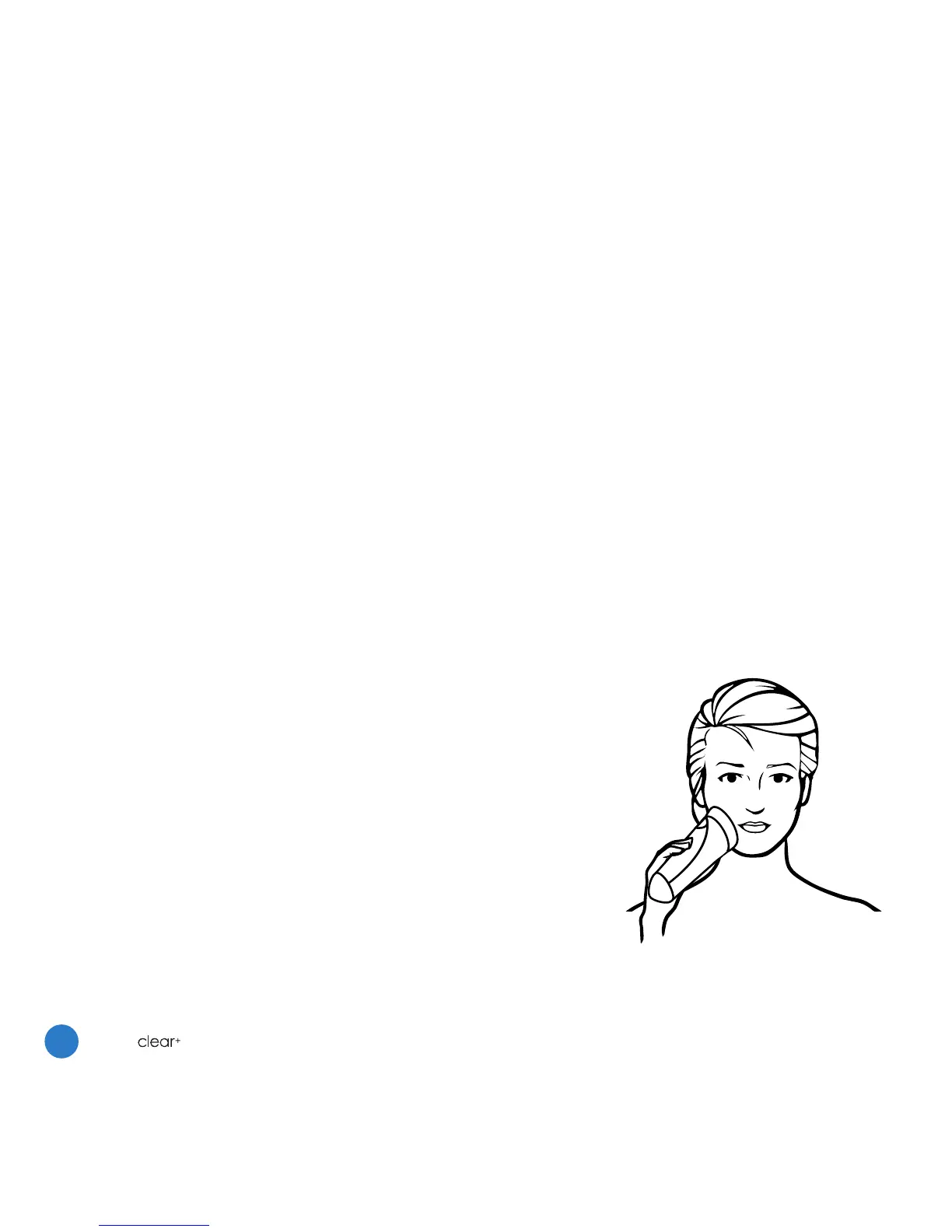
After activating the Clear+ device, lightly place and hold the
treatment head over each active breakout area for a full three-
minute treatment cycle, twice a day. For best results use daily
until the breakout has cleared.
Step 3: After treatment
Apply your favourite non-comedogenic skincare products.




 To Next Page