-12-
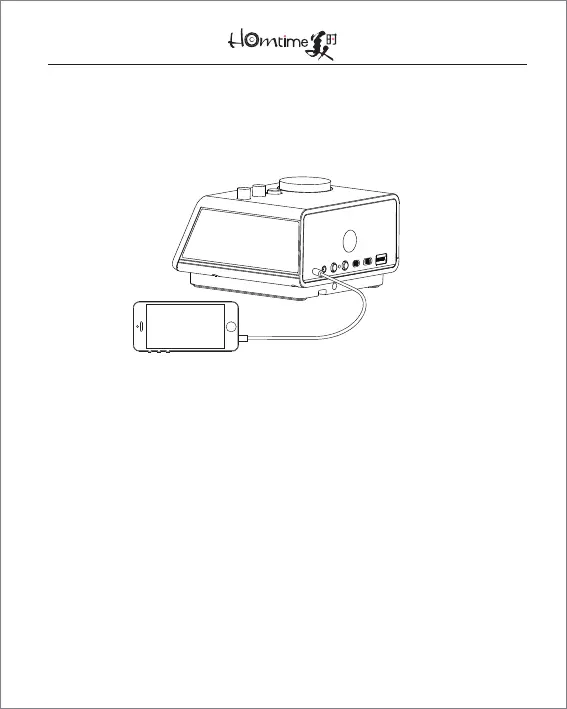
9.2 Play Music via AUX-in Jack:
Insert a 3.5mm stereo cable into the AUX-in jack. Rotate
④ until the icon lights up on the LCD
9.3 Play Music via SD Card:
●
Insert a SD card into the SD card slot. Rotate ④ until the SD
icon lights up on the LCD
●
To play or pause the music, press ④
●
To skip forwards, turn ④ clockwise. Turn ④ anticlockwise to
skip backwards
●
To adjust the volume, rotate ①


 To Next Page