-14-
●
To quickly scan through stations, turn and hold ④ (Note:
If you are experiencing poor FM reception, reposition the
C12)
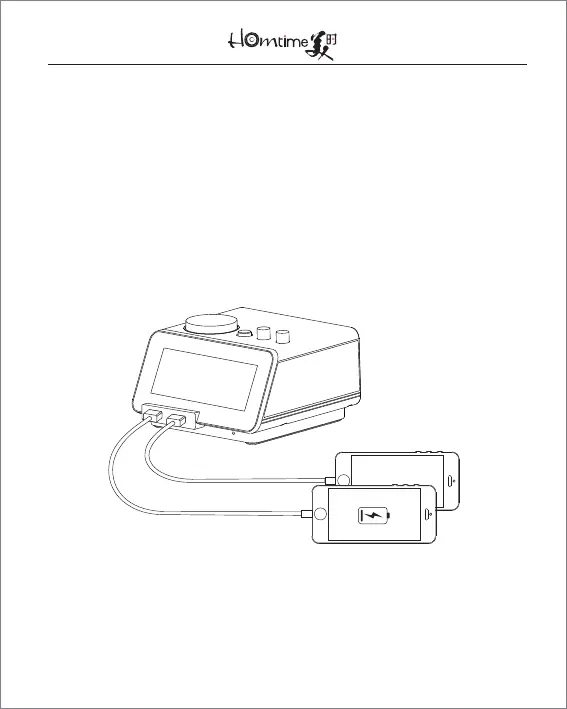
12. USB Charging
●
To change your USB-compatible devices, plug them in via
one of the USB ports and turn the unit on
●
The charging icon will light up to indicate charging
13. Backlight
●
To adjust the brightness of the LCD, press ①
●
To scan between the four brightness settings, press ①


 To Next Page