22 of 23 AII 38576-38846 (0802) © 2008 American Honda Motor Co., Inc. – All Rights Reserved.
Inspection
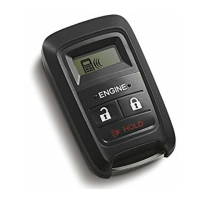
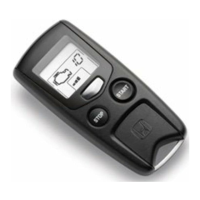
1. Within 1 second, press the command button and then the start button on the transmitter.
The engine should start if all operating conditions are met.
Does the engine start?
Yes - Operation is normal.
2. Press the command button on the transmitter, and within 1 second,
press the stop button. The engine should stop.
Does the engine stop?
3. After the engine has stopped, start the engine again, and check that
the engine stops after each of the following conditions:
No:
• Make sure all Operating Conditions are met.
• Check the engine starter harness connections.
• Connect the HDS and check for an indicated failure.
(Refer to the appropriate service manual for details.)
Yes - Operation is normal.
No - Check the engine starter harness connections.
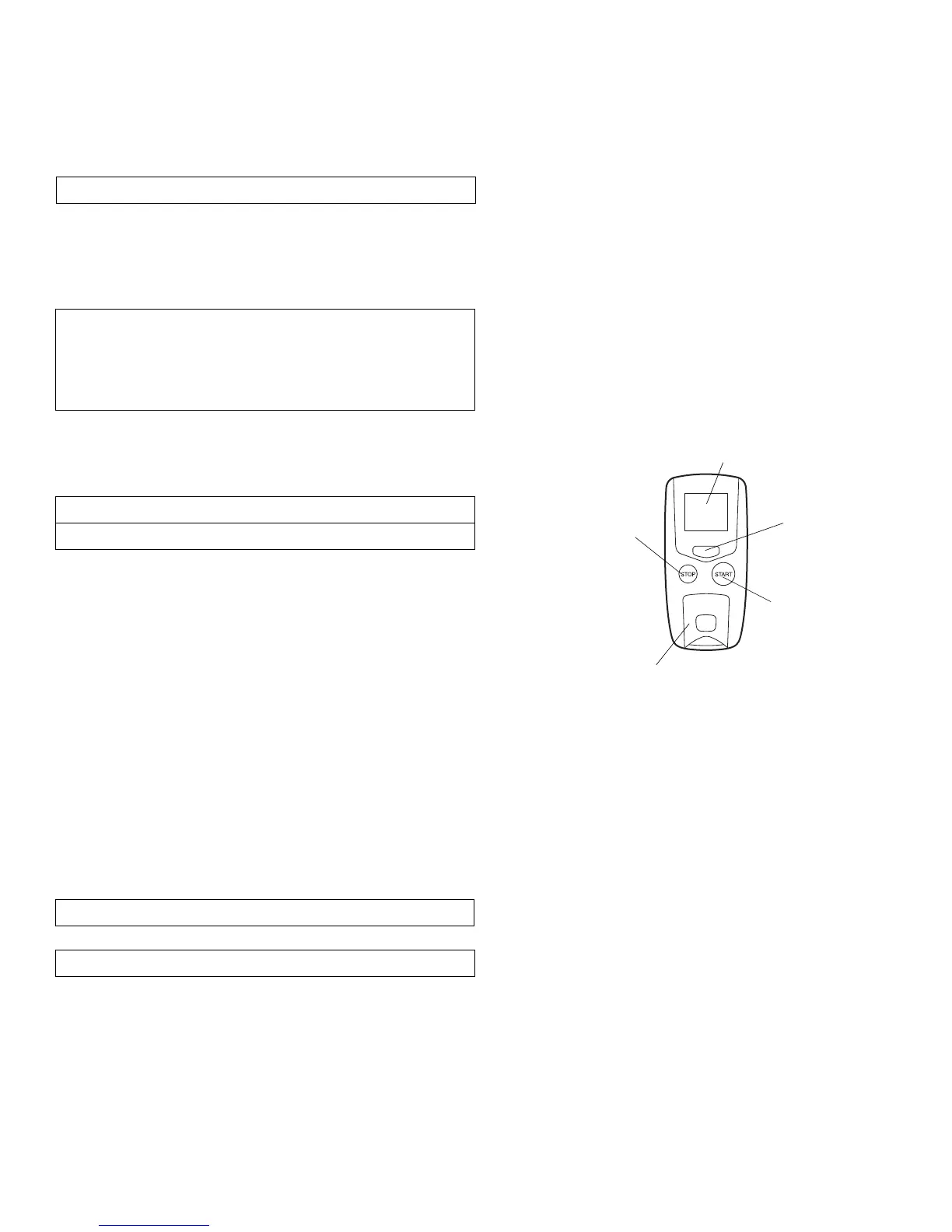
DISPLAY
STOP
BUTTON
COMMAND
BUTTON
START
BUTTON
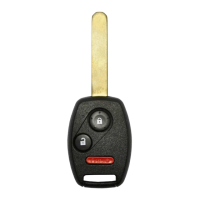
TRANSMITTER
NOTE:
• Each test must be completed within 30 seconds after engine starts.
• After each test the ignition key must be cycled, or the driver’s door
must be opened and closed.
• Move the shift lever out of the P position.
• Unlock or open the doors or the trunk lid.
• Open the hood.
• Insert the key in the ignition.
• Press on the brake pedal.
Does the engine stop after each of these tests?
Yes - Operation is normal.
4. Check that the power window or the moonroof does not function when the engine is started with the transmitter.
5. Press the command button on the transmitter two times and check the vehicle condition on the display.
6. Check the operation of the transmitter when the vehicle is 100 m to 150 m (325 ft. to 490 ft.) away and when the
vehicle is in direct sight.
No - Check the engine starter harness connections.






 To Next Page