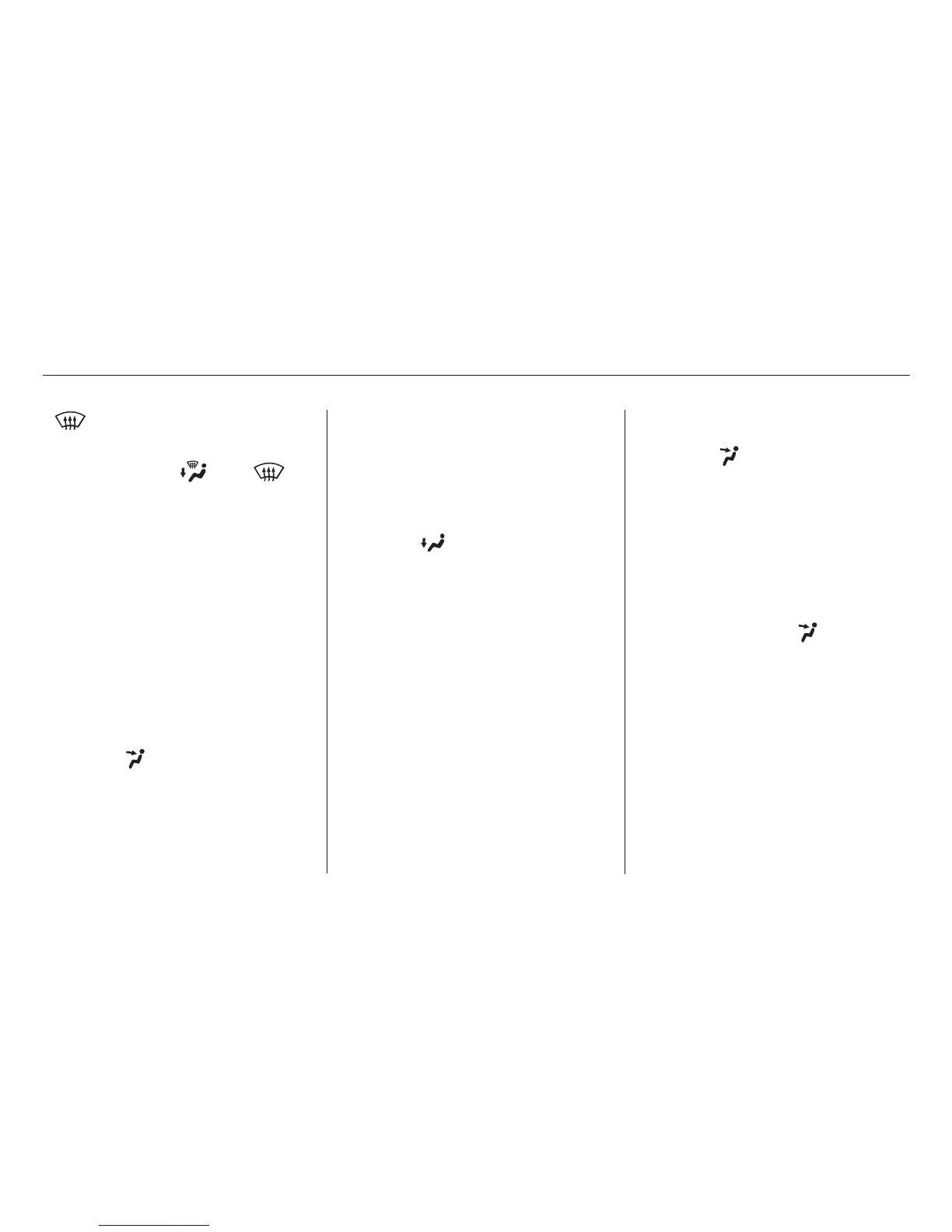
Air flows from the defroster
vents at the base of the windshield.
When you select or ,
the system automatically switches to
Fresh Air mode and turns on the
A/C. The A/C indicator does not
come on. Select and Fresh Air mode.
Set the fan to the desired speed.
Adjust the warmth of the air with
the temperature control dial.
The heater uses engine coolant to
warm the air. If the engine is cold, it
will be several minutes before you
feel warm air coming from the
system.
Air conditioning places an extra load
on the engine. Watch the engine
coolant temperature gauge (see page
). If it moves near the red zone,
turn off the A/C until the gauge
reads normally.
Set the mode control dial to MAX
A/C.
The system automatically turns on
the A/C, selects and
switches to Recirculation mode.
Make sure the temperature
control dial isallthe way to theleft.
Set the fan to the desired speed.
The flow-through ventilation system
draws in outside air, circulates it
through the interior, thenexhausts it
through vents near the tailgate.
Turn the temperature control dial
all the way to the left.
Make sure the A/C is off.
Select and Fresh Air mode.
Set the fan to the desired speed.
Turn on the A/C by pressing the
button. The light in the button
comesonwhenafanspeedis
selected.
Make sure the temperature
control dial isallthe way to theleft.
Select .
If the outside air is humid, select
Recirculation mode. If the outside
air is dry, select Fresh Air mode.
Set the fan to the desired speed.
1.
2.
3.
4.
1.
2.
3. 1.
2.
3.
59
1.
2.
3.
4.
5.
To cool the interior with MAX A/C:
If equipped
Vents, Heating, and A/C
Comfort and Convenience Features
Using the A/C
Using the Heater
(Fresh Air mode)
Ventilation
92
03/10/22 18:10:10 31SCV610 0097







 To Next Page