uuBlu-ray/DVD Rear Entertainment System
*
uFront Control Panel Operation
330
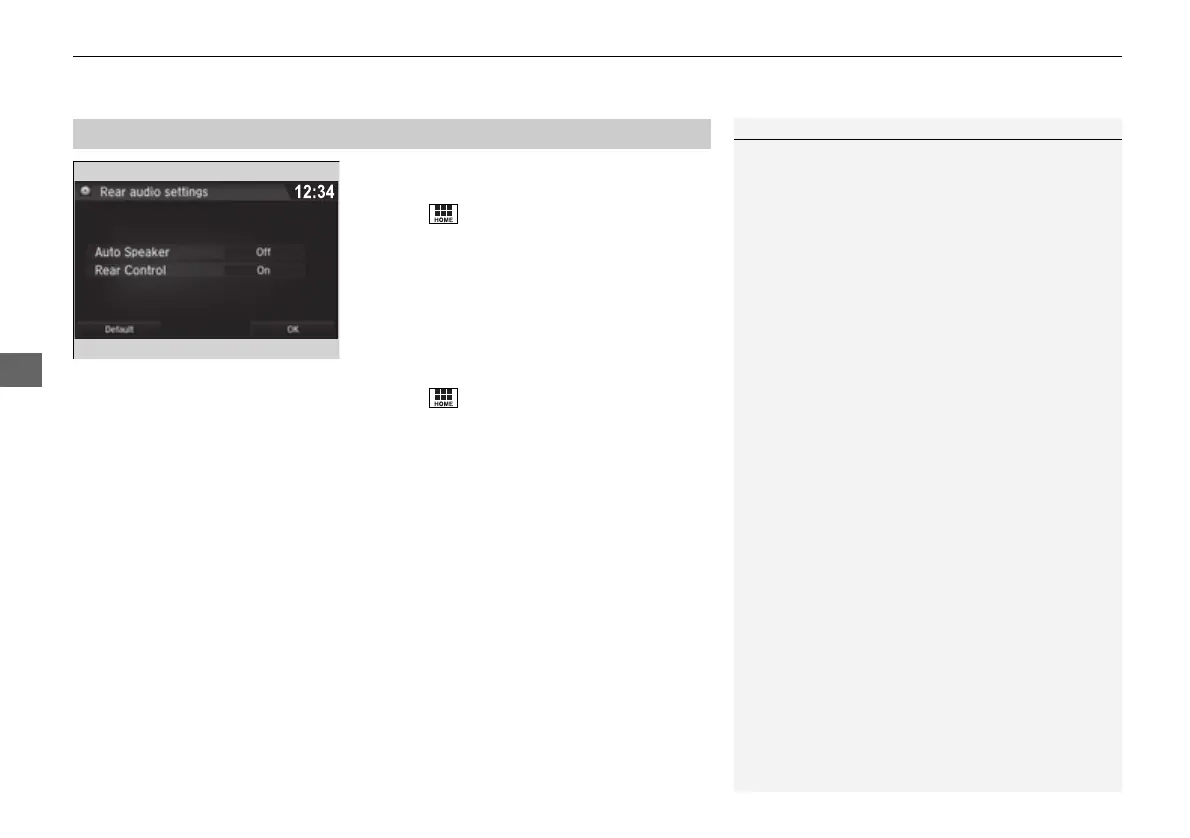
■ Auto speaker setting
Mutes the sounds from the rear speakers.
1. Select .
2. Select Settings.
3. Select Rear Audio.
4. Select Auto Speaker.
5. Select On or Off.
■ Rear control setting
Disables controls from the remote.
1. Select .
2. Select Settings.
3. Select Rear Audio.
4. Select Rear Control.
5. Select On or Off.
■
Rear System Setup
1Rear System Setup
This function mutes the sound to the rear speakers
when the Rear Audio system is operating. If the rear
system if off the speakers work as normal.
16 PILOT-31TG76000.book 330 ページ 2016年10月19日 水曜日 午後5時4分















 To Next Page