329
uuBlu-ray/DVD Rear Entertainment System
*
uFront Control Panel Operation
Continued
Front Control Panel Operation
You can operate the Blu-ray/DVD Rear Entertainment System (RES) from the front
control panel.
1. Press the REAR button on the front
panel if the power is off.
u If you press this button while the system
is operating, the system is turned off.
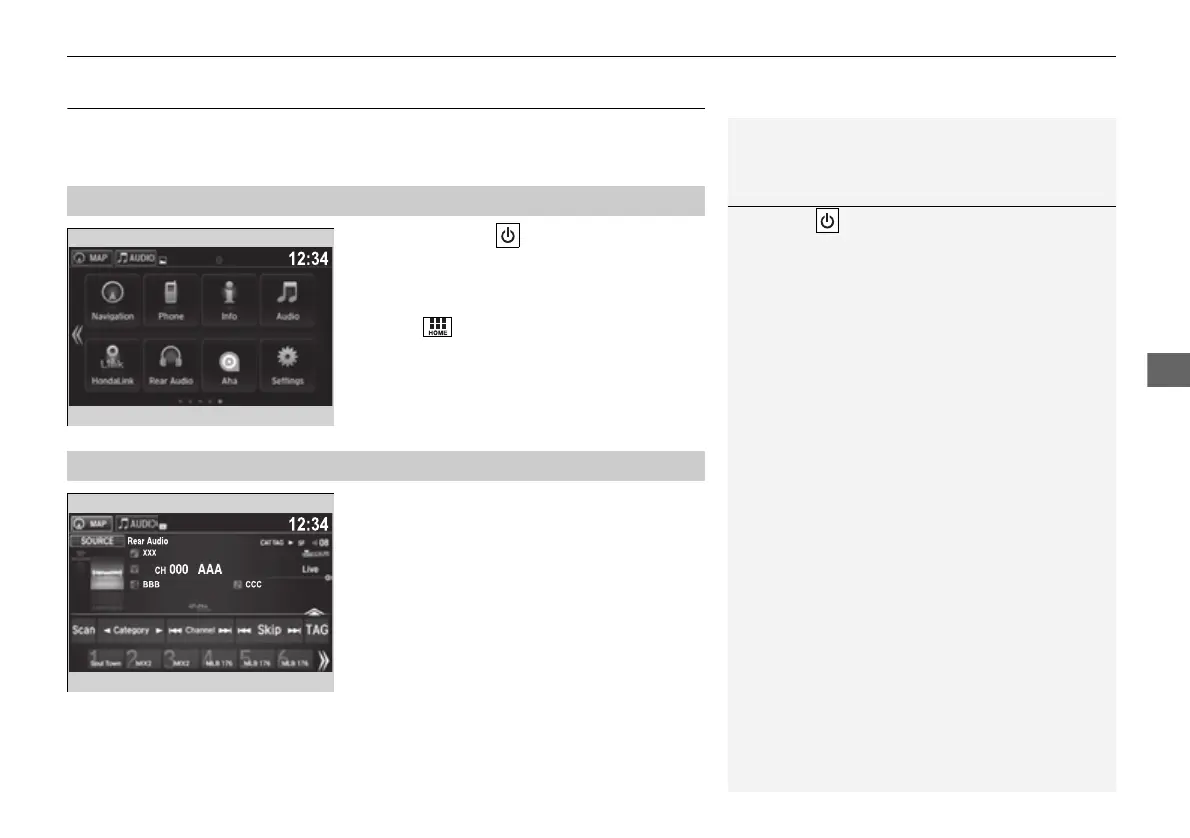
2. Select .
3. Select Rear Audio.
When the Blu-ray/DVD rear entertainment
system is operating, the screen on the front
control panel will turn gray.
■
Selecting the Audio Source using Front Control Panel
1Selecting the Audio Source using Front Control Panel
The REAR button is located next to the DVD or
Blu-ray
TM*
drive.
■
Operating the Blu-ray/DVD rear entertainment system
* Not available on all models
16 PILOT-31TG76000.book 329 ページ 2016年10月19日 水曜日 午後5時4分















 To Next Page