uuBlu-ray/DVD Rear Entertainment System
*
uPlaying a DVD/Blu-ray
TM
*
328
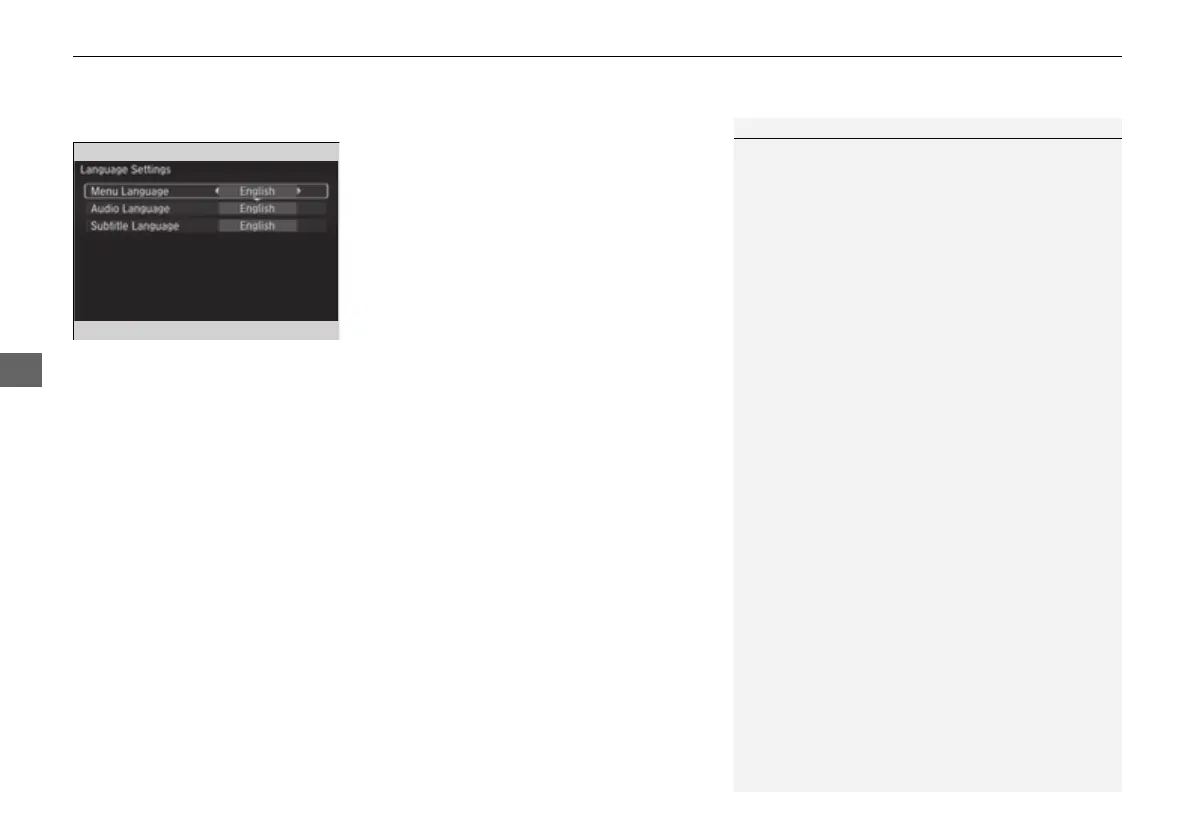
■ Language Settings
1. Press the MENU button on the remote to
display the Menu screen.
2. Select Initial Settings and then press the
ENTER button on the remote.
3. Select an item and then press the ENTER
button on the remote.
4. Select a language and then press the
ENTER button on the remote.
Language Settings from other:
If you select other, you need to enter the four digit language code number to
configure the language that is not listed.
1. Select Yes to go to the number input screen.
u To return to the language setting screen, select No.
2. Press the ENTER button on the remote each time you input digit.
u If you want to delete a number, select DEL.
3. The cursor automatically goes to ENT after you input four digits. Press the ENTER
button on the remote to command.
1Language Settings
The prior language varies by disc. You may not be
able to configure your selected language setting.
You can select the language from English, French,
Spanish, Arabic, German, Italian, Dutch, Russian,
Chinese, Korean, Thai, Japanese, and other.
16 PILOT-31TG76000.book 328 ページ 2016年10月19日 水曜日 午後5時4分















 To Next Page