uuBluetooth® HandsFreeLink®uHFL Menus
434
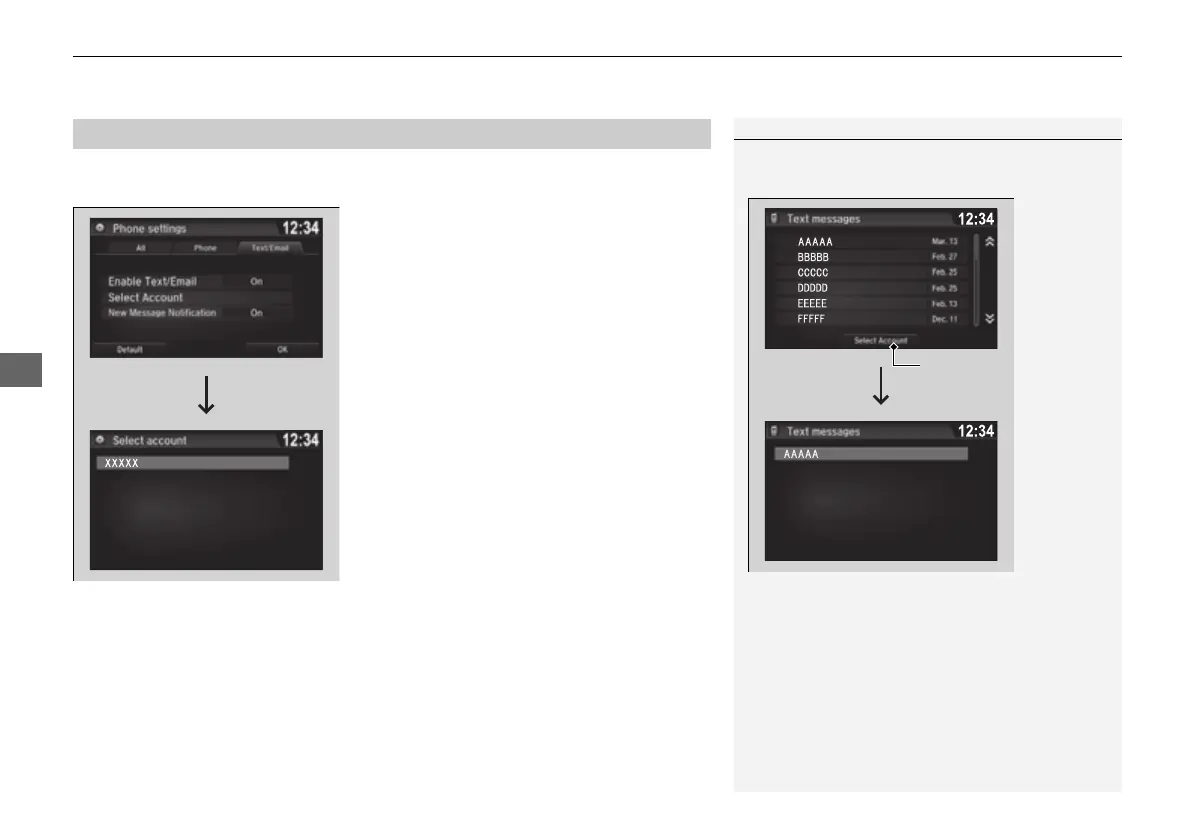
If a paired phone has text message or mail accounts, you can select one of them to
be active and receive notifications.
1. Go to the Phone settings screen.
2 Phone settings screen P. 411
2. Select the Text/Email tab, then Select
Account.
u A pop-up menu appears on the screen.
3. Select Text Messages or an e-mail account
you want.
■
Selecting a Mail Account
1Selecting a Mail Account
You can also select a mail account from the folder list
screen or the message list screen.
You can only receive notifications from one text
message or mail account at a time.
16 PILOT-31TG76000.book 434 ページ 2016年10月19日 水曜日 午後5時4分


 To Next Page
 Loading...












