Continued
435
uuBluetooth® HandsFreeLink®uHFL Menus
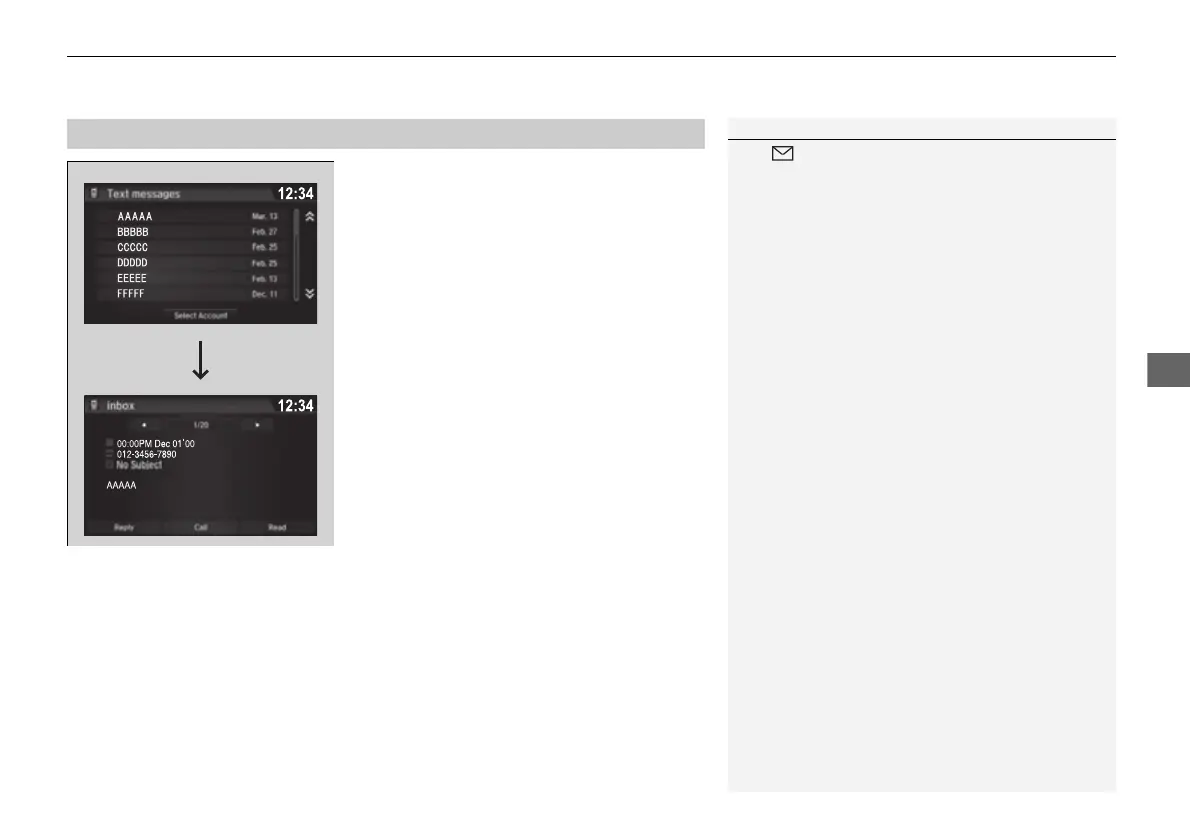
■ Displaying text messages
1. Go to the Phone menu screen.
2 Phone menu screen P. 414
2. Select Text/Email.
u Select account if necessary.
3. Select a message.
u The text message is displayed. The
system automatically starts reading the
message aloud.
■
Displaying Messages
1Displaying Messages
The icon appears next to an unread message.
If you delete a message on the phone, the message is
also deleted in the system. If you send a message
from the system, the message goes to your phone’s
outbox.
To see the previous or next message, select Previous
or Next on the message screen.
16 PILOT-31TG76000.book 435 ページ 2016年10月19日 水曜日 午後5時4分


 To Next Page
 Loading...












