uuWhen DrivinguLane Keeping Assist System (LKAS)
*
512
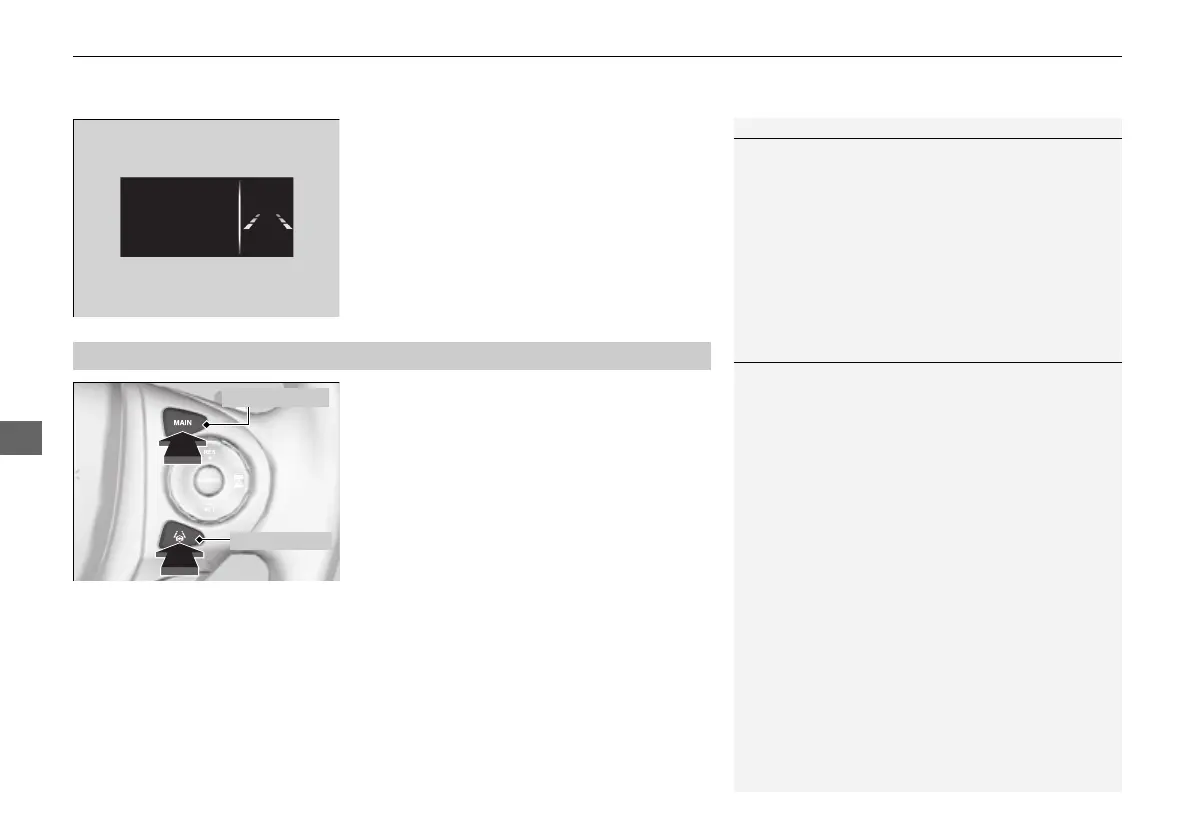
3. Keep your vehicle near the center of the
lane while driving.
u The dotted outer lines change to solid
ones once the system starts operating
after detecting the left and right lane
markings.
To cancel the LKAS:
Press the MAIN or LKAS button.
The LKAS is turned off every time you stop the
engine, even if you turned it on the last time
you drove the vehicle.
Models with ACC is shown.
■
To cancel
1When the System can be Used
The LKAS temporarily deactivates when it fails to
detect lane lines. When the system detects the lines
again, it comes back on automatically.
1To cancel
Pressing the MAIN button also turns ACC on and off.
16 PILOT-31TG76000.book 512 ページ 2016年10月19日 水曜日 午後5時4分















 To Next Page