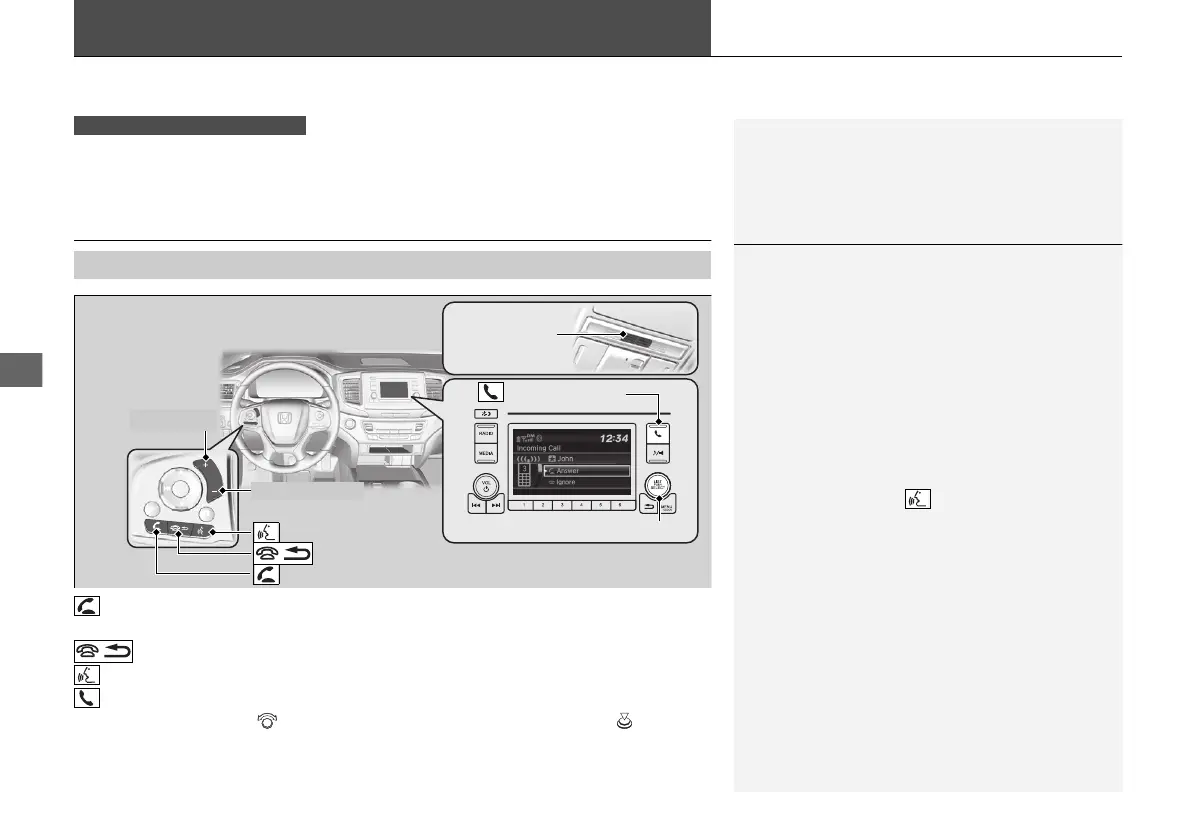
incoming call.
1Using HFL
Place your phone where you can get good reception.
To use HFL, you need a Bluetooth-compatible cell
phone. For a list of compatible phones, pairing
procedures, and special feature capabilities, visit
automobiles.honda.com/handsfreelink/, or call 1-
888-528 -7876.
Voice control tips
• Aim the vents away from the ceiling and close the
windows, as noise coming from them may interfere
with the microphone.
• Press and release the button when you want to
call a number using a stored voice tag. Speak
clearly and naturally after a beep.
• If the microphone picks up voices other than yours,
the command may be misinterpreted.
State or local laws may prohibit the operation of
handheld electronic devices while operating a
vehicle.
Up to 20 speed dial entries can be stored. If there is
no entry in the system, Speed Dial is disabled.
2 Speed Dial P. 467
Up to 20 call histories can be stored. If there is no call
history, Call History is disabled.



 To Next Page