461
uuBluetooth® HandsFreeLink®uHFL Menus
Continued
■
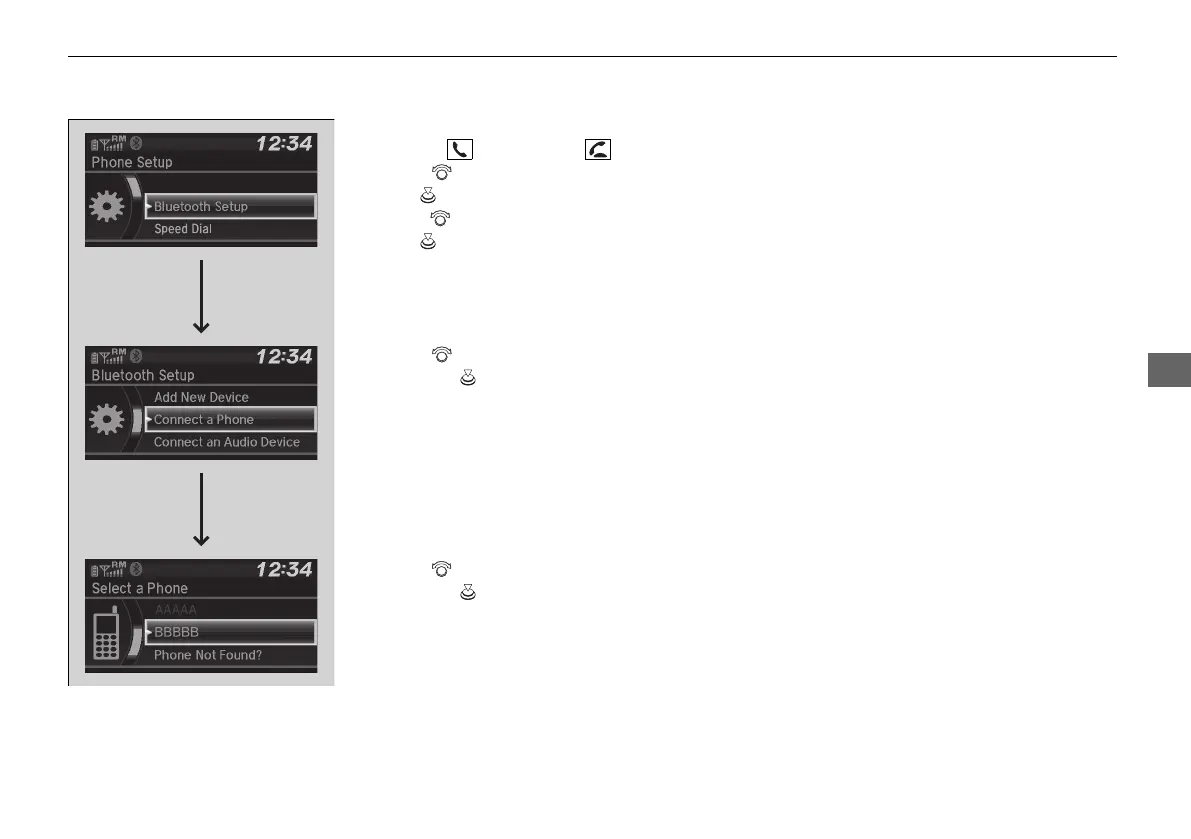
To change the currently paired phone
1. Press the button or the button.
2. Rotate to select Phone Setup, then
press .
3. Rotate to select Bluetooth Setup, then
press .
4. Rotate to select Connect a Phone,
then press .
u The screen changes to a device list.
5. Rotate to select a desired device name,
then press .
u HFL disconnects the connected phone
and starts searching for another paired
phone.
21 PILOT-31TG76500.book 461 ページ 2020年3月18日 水曜日 午後4時38分



 To Next Page