Continued
469
uuBluetooth® HandsFreeLink®uHFL Menus
■
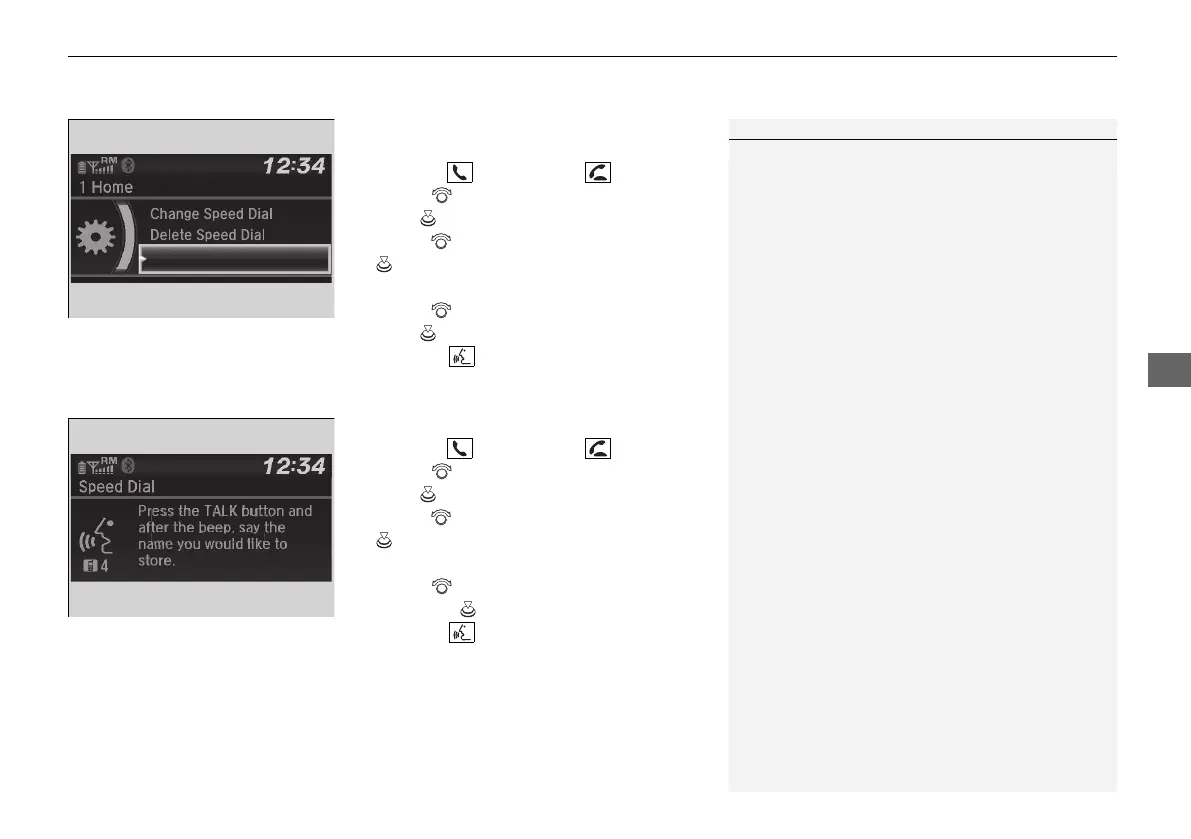
To add a voice tag to a stored speed
dial number
1. Press the button or the button.
2. Rotate to select Phone Setup, then
press .
3. Rotate to select Speed Dial, then press
.
4. Select an existing speed dial entry.
5. Rotate to select Store Voice Tag, then
press .
6. Using the button, follow the prompts to
complete the voice tag.
■
To change a voice tag
1. Press the button or the button.
2. Rotate to select Phone Setup, then
press .
3. Rotate to select Speed Dial, then press
.
4. Select an existing speed dial entry.
5. Rotate to select Change Voice Tag,
then press .
6. Using the button, follow the prompts to
complete the voice tag.
1Speed Dial
Avoid using duplicate voice tags.
Avoid using “home” as a voice tag.
It is easier for HFL to recognize a longer name. For
example, use “John Smith” instead of “John.”
Change Speed Dial
Delete Speed Dial
Store Voice Tag
Change Speed Dial
Delete Speed Dial
21 PILOT-31TG76500.book 469 ページ 2020年3月18日 水曜日 午後4時38分



 To Next Page