93
uuIndicatorsu
Continued
Indicator Name On/Blinking Explanation Message
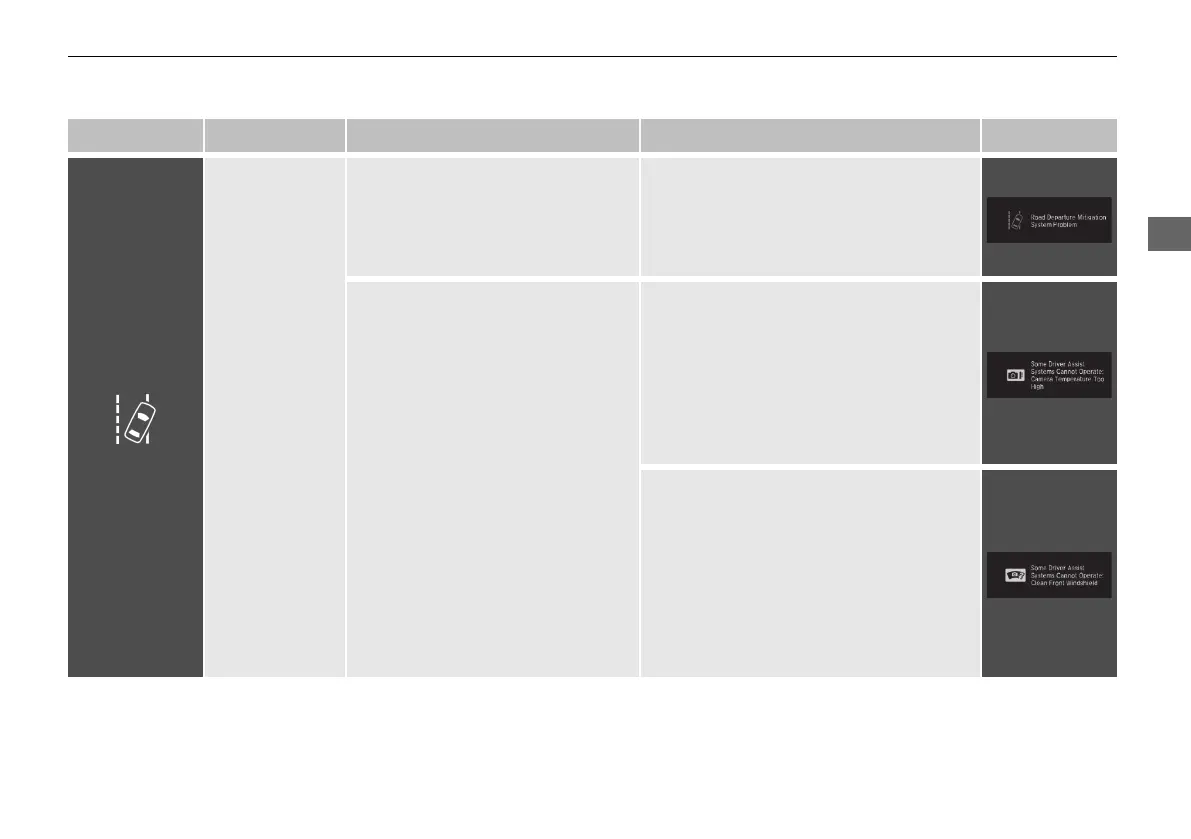
Road Departure
Mitigation
(RDM) Indicator
• Comes on for a few seconds when
you change the power mode to
ON, then goes off.
• Comes on if there is a problem
with the RDM system.
• Stays on constantly - Have your
vehicle checked by a dealer.
• Comes on when the RDM system
shuts itself off.
• Stays on - The temperature inside the
camera is too high.
Use the climate control system to cool
down the camera.
The system activates when the
temperature inside the camera cools
down.
2 Front Sensor Camera P. 603
• Stays on - The area around the camera
is blocked by dirt, mud, etc. Stop your
vehicle in a safe place, and wipe it off
with a soft cloth.
• Have your vehicle checked by a dealer if
the indicator and message come back on
after you cleaned the area around the
camera.
2 Front Sensor Camera P. 603
21 PILOT-31TG76500.book 93 ページ 2020年3月18日 水曜日 午後4時38分



 To Next Page