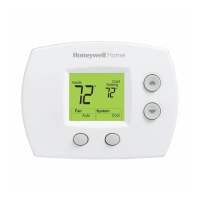
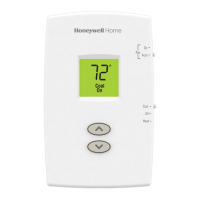
8
Mounting thermostat
1. Push excess wire back into the wall opening.
2. Close the UWP door. It should remain
closed without bulging.
3. Align the UWP with the thermostat, and
push gently until the thermostat snaps in
place.
Note: If using the molded grey coverplate,
remove the trim ring from the thermostat
before step 3. Then align the thermostat
with cover plate and push gently until the
thermostat snaps into place.
Note: If needed, gently pull to remove the
thermostat from the UWP
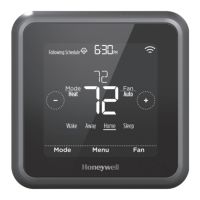
Installer setup
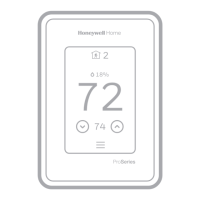
The display will walk you through equipment setup,
connecting to wireless sensors and connecting to
WiFi.
The final step in the setup is a place you can enter
your company name and contact information.
That contact information will be displayed with
alert or reminder messages to keep you connected
to your customer.
Welcome!


 To Next Page
 Loading...