3 - 1
3
Output
Good Read Indicators
Beeper – Good Read
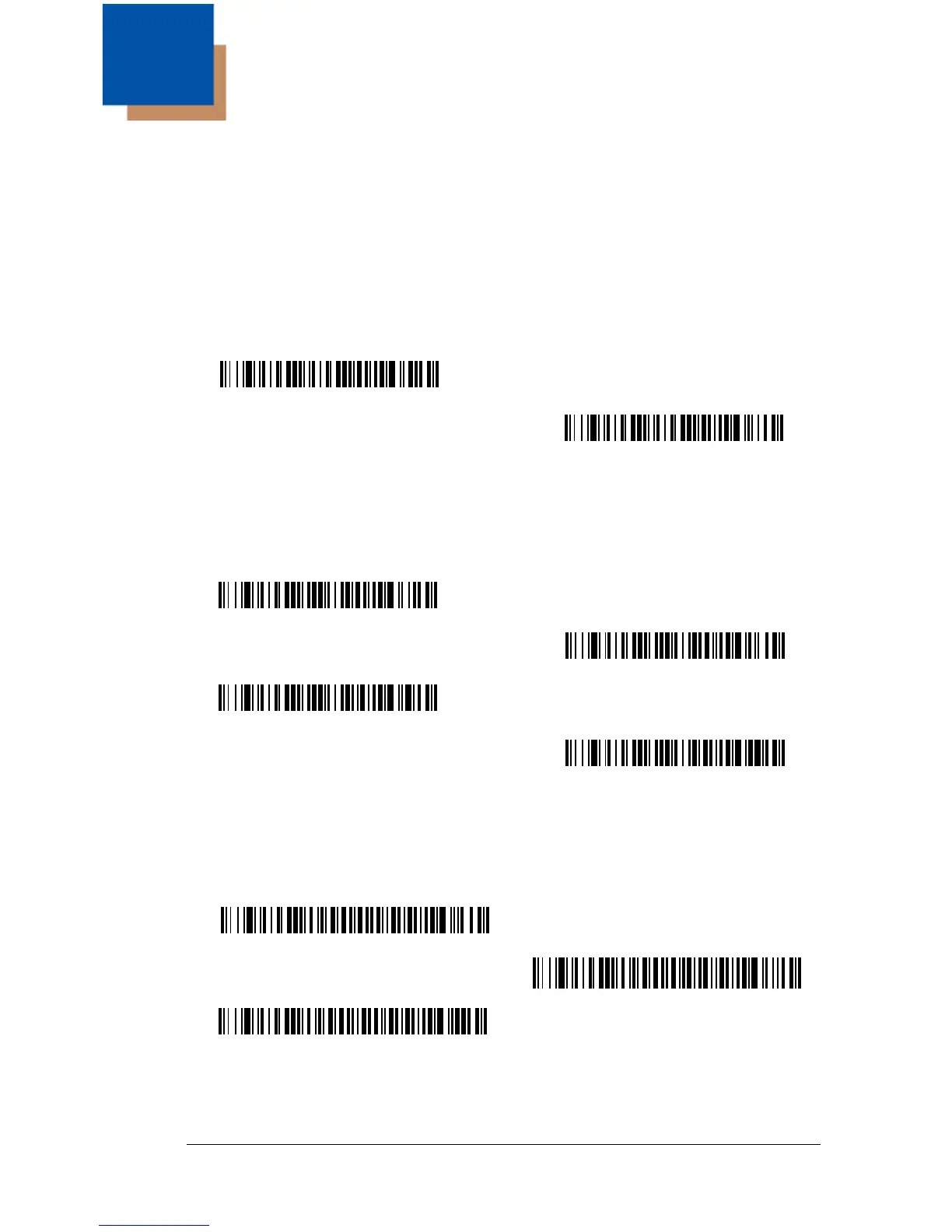
The beeper may be programmed On or Off in response to a good read. Turning
this option off, only turns off the beeper response to a good read indication. All
error and menu beeps are still audible.
Default = On.
Beeper Volume – Good Read
The beeper volume codes modify the volume of the beep the imager emits on a
good read.
Default = High for the
3800g
.
Beeper Pitch – Good Read
The beeper pitch codes modify the pitch (frequency) of the beep the imager
emits on a good read.
Default = Medium.
Low (1600 Hz)
* Medium (2550 Hz)
High (4200 Hz)


 To Next Page