6 - 2
RS-232 programmable selections are used by both the primary and secondary
interfaces. Changing an RS-232 parameter (e.g., baud rate or parity), while in
primary
or
secondary mode will affect both interfaces. If you want to change the
RS-232 settings, refer to the Connecting the Imager with RS-232 Serial Port
section on page 1-6.
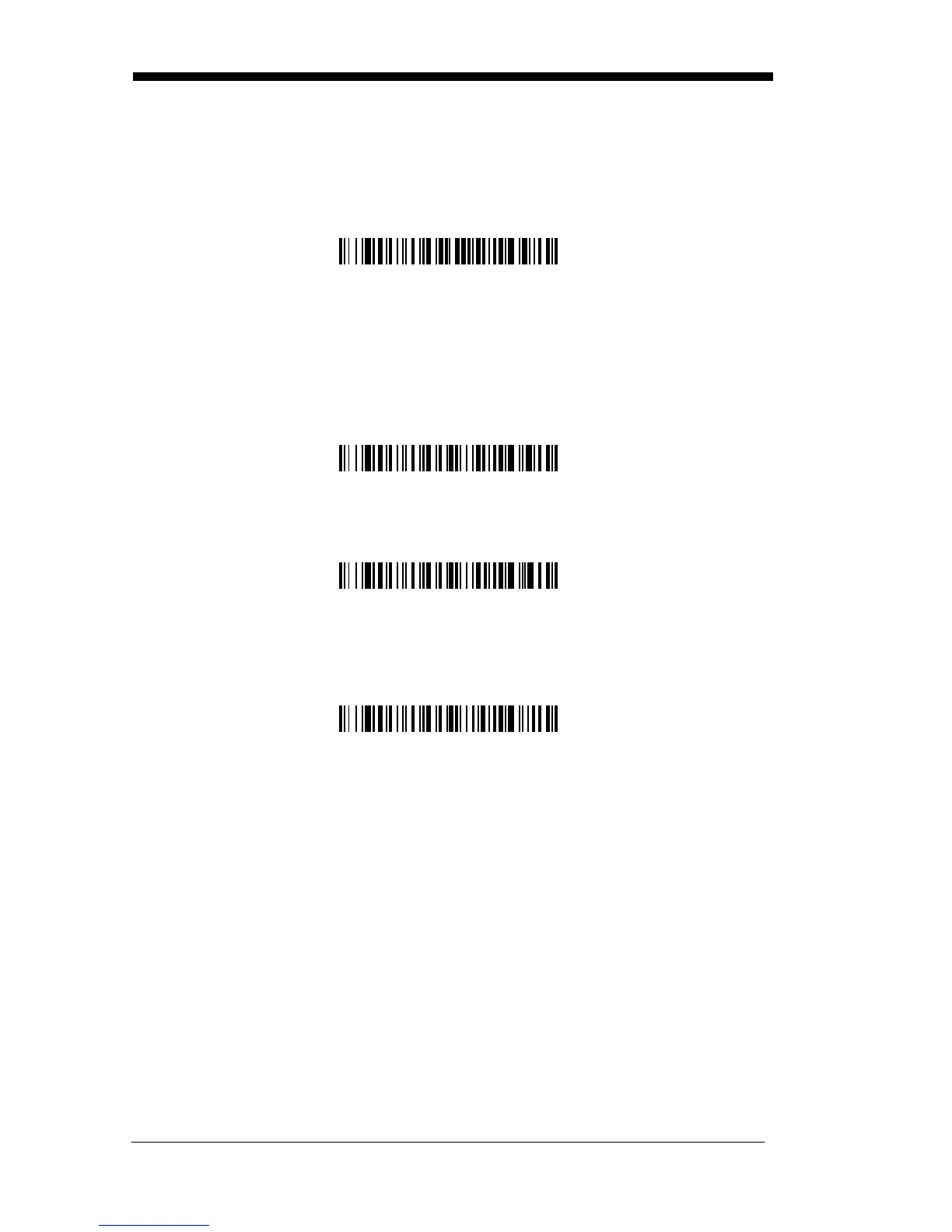
Secondary Trigger Mode
Manual Trigger:
You must press the imager trigger to scan. When not scan-
ning, idle power is maintained.
Default = Manual Trigger
.
Automatic Trigger:
The imager scans continuously at full power.
Presentation Mode:
The LEDs are off until a bar code is presented to the
imager. Then the LEDs turn on automatically to read the code. Presentation
Mode uses ambient light to detect the bar codes.
Hands Free Time-Out
The Automatic Trigger and Presentation Modes are referred to as “hands free”
modes. If the imager’s trigger is pulled when using a hands free mode, the
imager changes to manual trigger mode. You can set the time the imager
should remain in manual trigger mode by setting the Hands Free Time-Out.
Once the time-out value is reached, (if there have been no further trigger pulls)
the imager reverts to the original hands free mode.
Note: If you change the time-out duration for the secondary interface, the
duration of the primary interface will also be changed.


 To Next Page