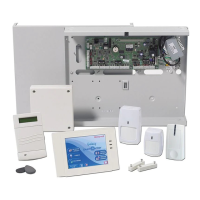
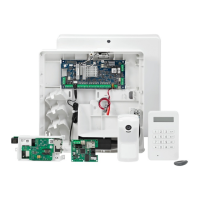
Galaxy 3 Series Programming Manual
i
Table of Contents
Contents
Section 1: Quick Setup ............................................................................. 1
Section 2: System Operation ................................................................... 3
Menu Options......................................................................................................... 3
General .................................................................................................................................. 3
The Full Menu ....................................................................................................................... 3
The Quick Menu ................................................................................................................... 3
Menu Access ........................................................................................................................ 3
Direct Access .............................................................................................................................................. 4
Menu Driven Access ...................................................................................................................................4
Keypad Menu Timeout ................................................................................................................................4
Engineer Mode ..................................................................................................................... 4
Accessing Engineer Mode .........................................................................................................................5
Exiting from Engineer Mode .......................................................................................................................5
Multi User Access........................................................................................................................................6
Section 3: Setting Options........................................................................ 7
Setting the System Using a PIN .......................................................................................... 7
Full Setting ................................................................................................................................................... 7
Part Setting .................................................................................................................................................. 7
Cancelling the Setting ......................................................................................................... 7
Unsetting the System Using a PIN ..................................................................................... 8
Engineer Unsetting ..............................................................................................................8
Keyswitch Setting Options ................................................................................................. 8
Setting the System with a Keyswitch ...........................................................................................................8
Unsetting the System with a Keyswitch .......................................................................................................8
Setting the System with Cards/Tags/Fobs........................................................................ 8
Unsetting the System with Proximity Cards................................................................................................. 9
Cancelling and Resetting Alarms and Alerts .................................................................... 9
Resetting Using Alarm Cause Code ......................................................................................................... 10
Overriding of Faults and Tampers ................................................................................... 10
Setting Features ................................................................................................................. 10
Show Set Status ........................................................................................................................................ 10
Exit Time .................................................................................................................................................... 11
Exit Time Reset ......................................................................................................................................... 11
Omitted Zones ........................................................................................................................................... 11
Expiry Warning .......................................................................................................................................... 11
System Set Indication................................................................................................................................ 11
Group Logic Setting Restriction ................................................................................................................ 11
Entry Time.................................................................................................................................................. 12
Timeout (Slow Entry) ................................................................................................................................. 12



 To Next Page
 Loading...