Operation SDC / DHC
16 EN2H-0220GE51 R1111
5 °C (hot-water economy temperature) ... Maximum hot-water
heater temperature limit (service setting)
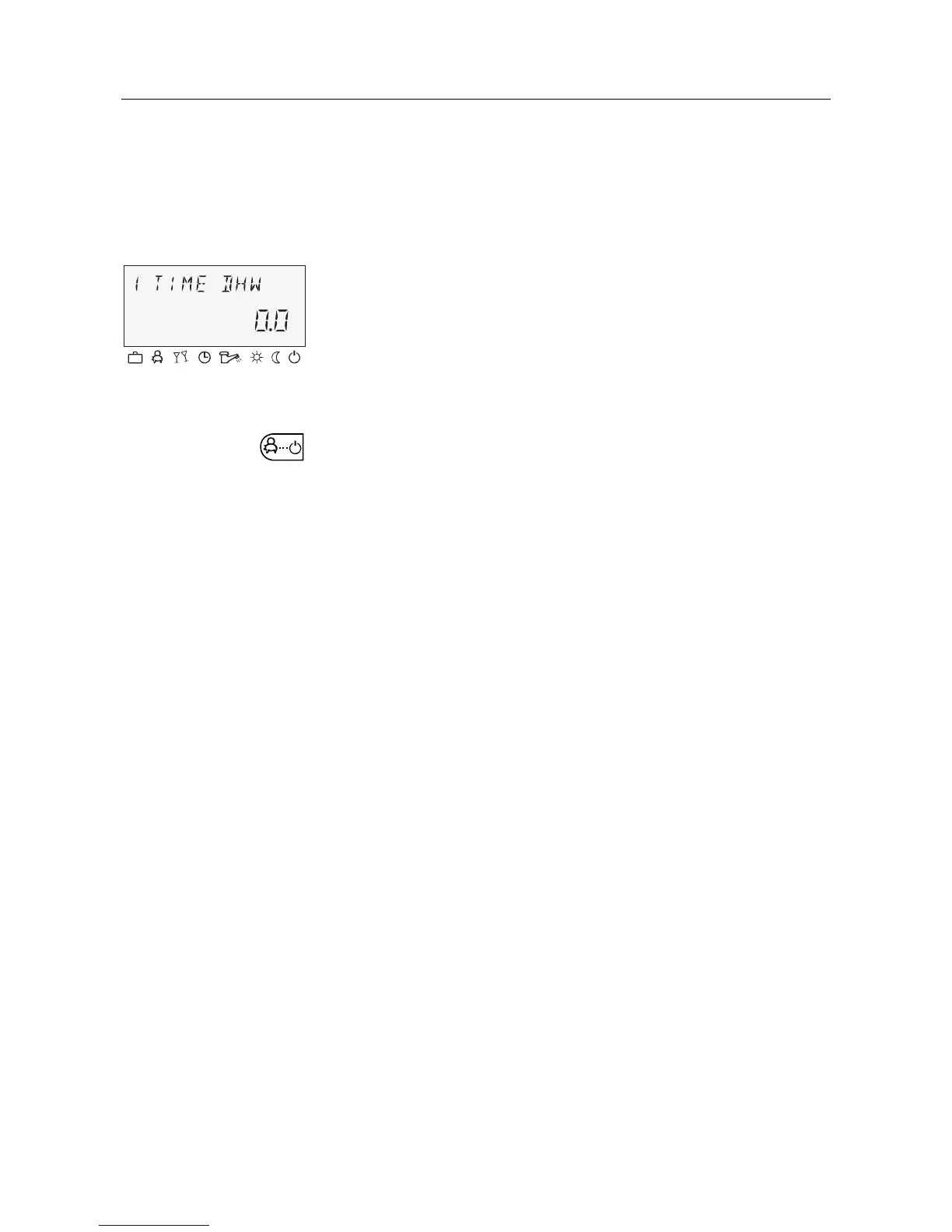
Pressing and holding (approx. 3 s) the § button brings you to
the reload function, where the reload time can be set in minutes.
With a reload time of 0 minutes, loading is started once and the
hot-water tank is loaded to the daytime setpoint. The time for this
superimposed hot-water circuit loading can be set between 0 and
240 minutes. The current week program is superimposed here.
Pos: 11 /156-Honeywell/Bedienung/Taste_Betriebsart @ 1\mod_1207644003760_6.doc @ 9300
4.1.2.5 "Operating mode" button (basic display)
Sets the operating mode and returns to the basic display from
every operating level.
Setting range
One-time hot-wate







 To Next Page