SDC / DHC Operation
EN2H-0220GE51 R1111 33
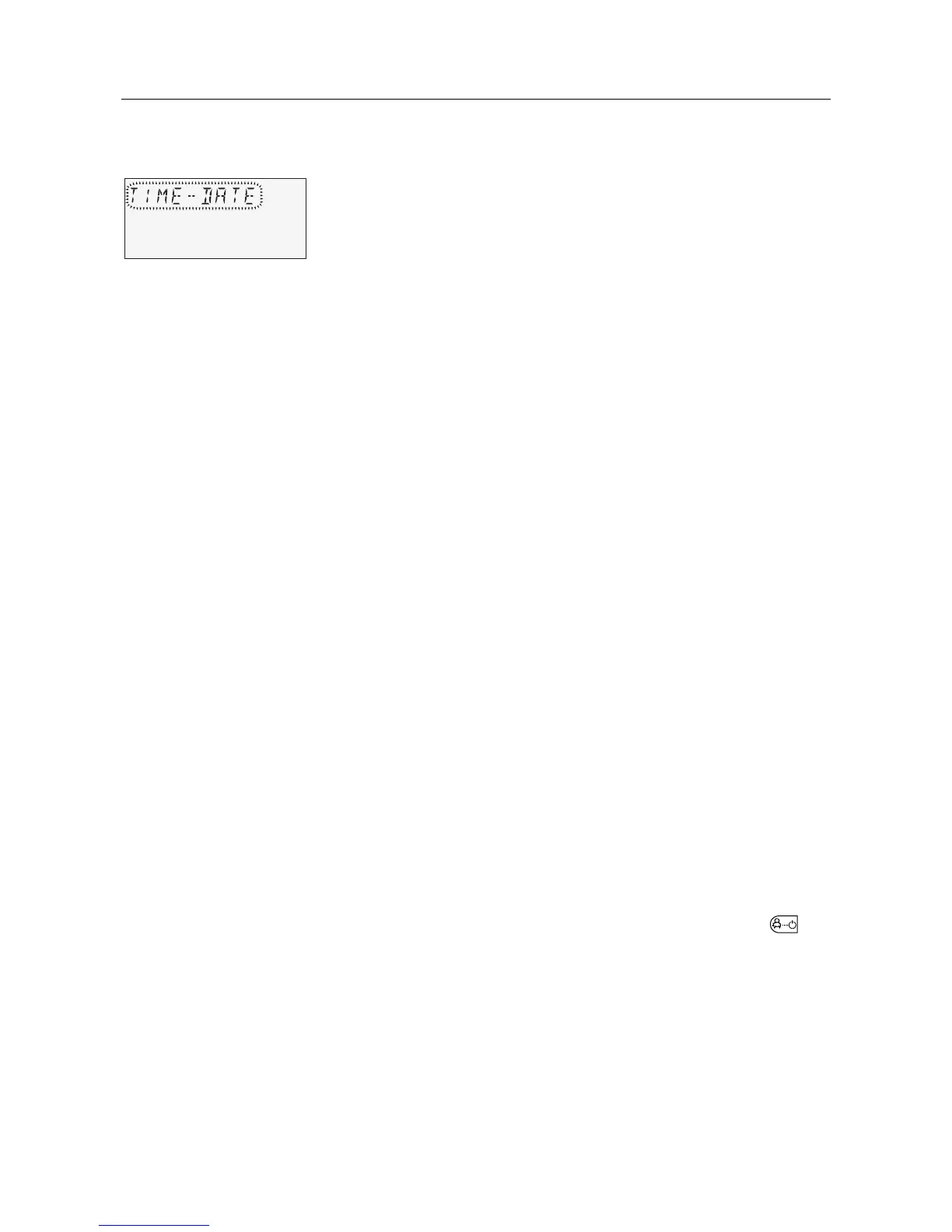
4.2.1 "Time - Date" menu
The following current calendar values can be specified in this
menu:
• Time
• Year
• Day - Month
• Time change mode (summer / winter time)
All listed daytime values are set at the factory and generally do
not need to be updated.
An internal, pre-programmed calendar ensures automatic time
change on the annually recurring summer / winter time switchover
dates. If necessary, the automatic time change can be
deactivated. The current weekday, Mo to Su is determined from
the calendar date and does not need to be set.
Corrections for rare fault cases
See 4.2 Menu-selection level, pg. 31
► Turn input button î and select the "Time - Date" menu.
► Turn input button
î and select the desired calendar value
(time, year, day - month, change).
► Press input button
î and change the corresponding value by
turning the input button
î.
► Press input button
î to confirm the set value.
► Turn input button
î to select and change additional calendar
values.
Returning to the basic display takes place by pressing the
button or automatically after the set information time (see
4.1.2.7 "System information" button, pg. 26).
Pos: 28 /156-Hon eywell/ Bedienung /Menue_S chal tzeiten @ 1\mod_120 7644798 369_6. doc @ 9540
NOTE
Application
Access
Setting
Returning









 To Next Page