Logging In and Viewing Live Video
7
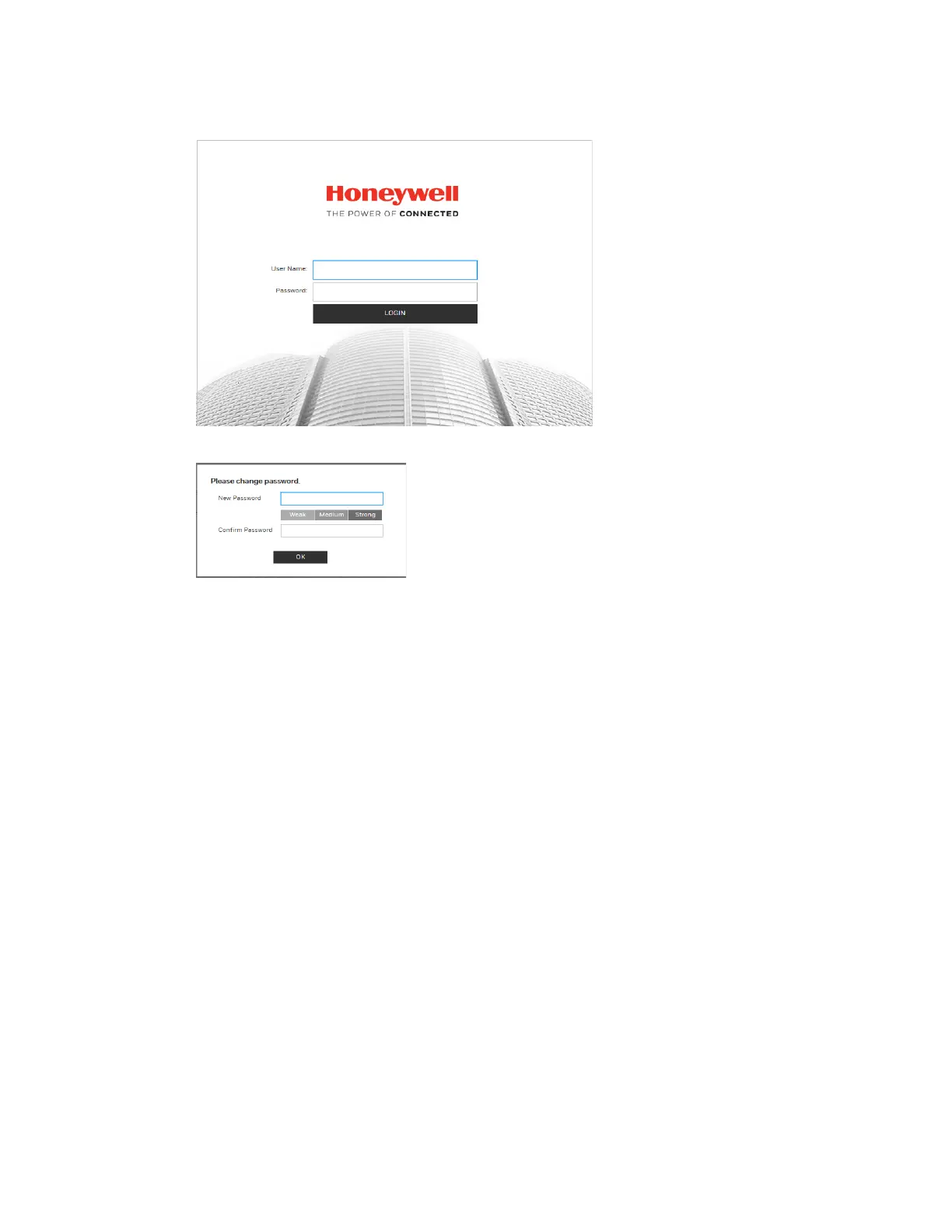
Figure 3-1 Login Interface
For security purposes, you are required to create a new secure password at the first login.
The password must be at least 8 characters long and contain at least one lowercase letter,
one number, and one special character. The password cannot be blank.
Installing the Browser Plug-In
If you are logging in for the first time, you will be prompted to download and install a browser
plug-in. Follow the on-screen instructions to install the plug-in. When the installation is
complete, the web client automatically refreshes and the Live View interface opens (Figure
3-4).
If this is your first time logging in, you will see the following message:
Click here to download and install the plug-in.
Perform the following steps to install the plug-in:
1. Click Click here to download and install the plug-in. The following window is displayed.
Click Continue to this website (not recommended).



 To Next Page
 Loading...




