Performance Series IP Camera Software Configuration Guide
16
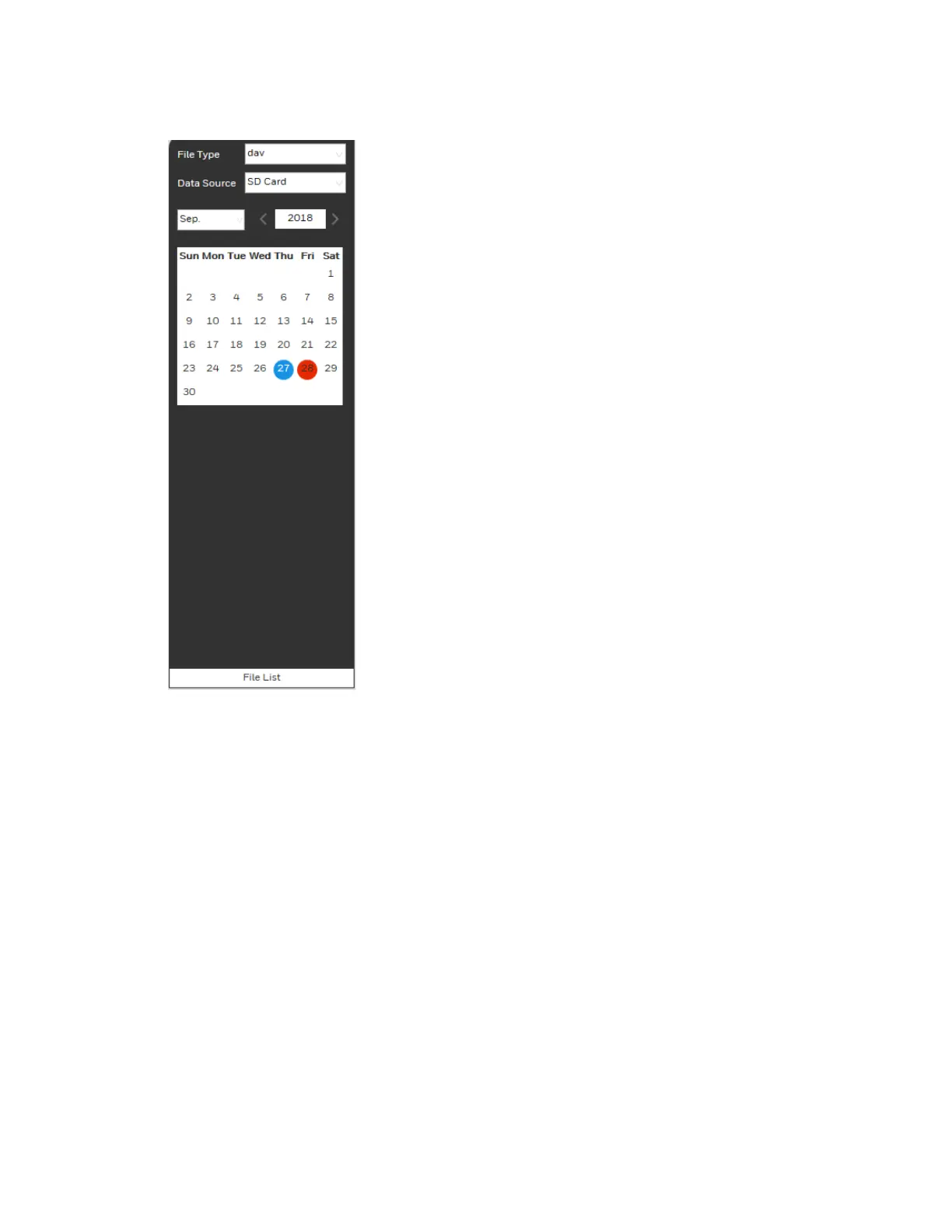
Figure 4-3 Playback Calendar
From the File Type list, select dav for video playback and jpg for snapshots. The default Data
Source is SD Card.
Playing a Recorded File
1. In the calendar field of the Playback interface, perform the following steps to find a
recorded file:
a. From the File Type list, select dav.
b. From the Data Source list, select SD Card.
c. Select the month and year that you want to search. Dates with recorded video are
shown in red.
d. Click the date that you want to search. Recordings for the selected date appear in the
timeline (color coded according to recording type).
• Green – Normal recording
• Yellow – Motion detection recording
• Red – Alarm-triggered recording.
• Blue – Manual recording.



 To Next Page
 Loading...




