3EN
CONNECTING THE AIR CONDITIONER WITH THE APP
1
5
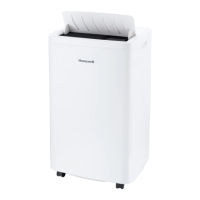
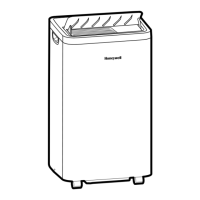
• Press to turn on the
portable air conditioner.
• On the app, tap to add
a device.
4
• Make sure your air
conditioner is on.
• Press and hold the Speed
button on the device
for 5 seconds until it beeps
and the Wi-Fi light starts
flashing.
• Tap .
• Tap Next.
• Tap PAC - HW Series.
• Wait until the connection
is completed.
• Tap Done.
3
• Enter the Wi-Fi password.
• Tap Next.
2


 To Next Page
 Loading...