www.honeywell.com/security
70 | Performance Series IP Camera Software Configuration Guide
Configuring Storage Settings
Recording Schedule and Snapshot Schedule
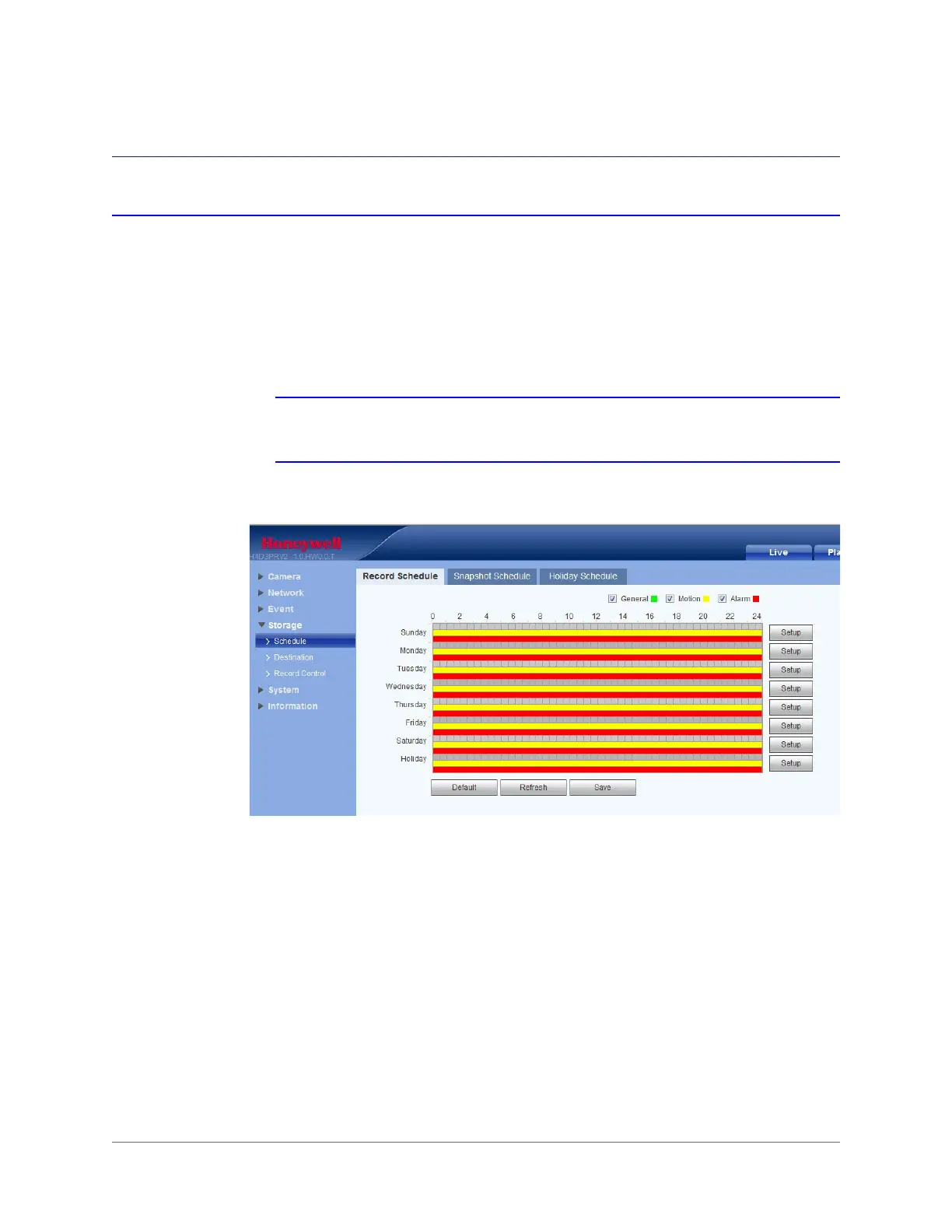
You can add or remove schedules for recording and snapshots. There are two recording
modes: General (auto) and Motion Detection. You can configure up to six recording periods
per day.
Note Ensure that you have enabled the corresponding recording mode in
Setup Storage Conditions.
Figure 5-21 Recording Schedule Configuration Interface
Recording Schedule Color Codes:
• Green: General recording/snapshot
• Yellow: Motion detection recording/snapshot
Setting Holidays
You can set specific days as holidays, for which the recording schedule is different. When
enabled, the selected/configured dates will record according to the holiday setup.









 To Next Page