Configuring Camera Settings | 83
800-21358 - A - 10/2015
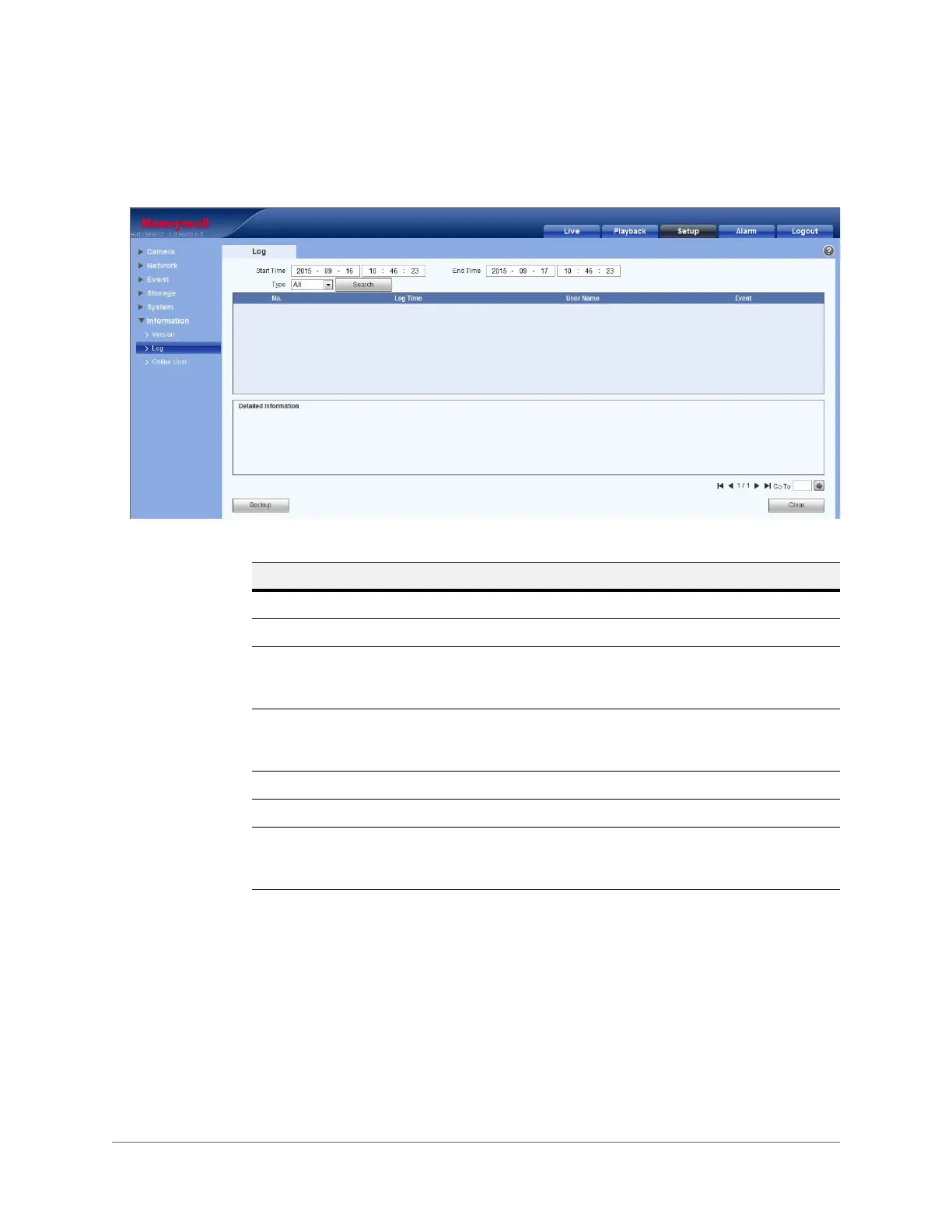
Log
Figure 5-41 Log Interface
Online User
You can view the current online user, group name, IP address, and login time.
Table 5-22 Log Interface Configurations
Parameter Function
Start Time Configure the start time for the requested log.
End Time Configure the end time for the requested log.
Type Select a log type: System, Operation, Configuration Operation, Data
Operation, Event Operation, Record Operation, Account
Management, Log Clearing.
Search Select a log type from the drop-down list, and then click Search to view
the list that is generated by the search. Click Stop to terminate the
current search.
Log Information Select one item to view its detailed information.
Backup Click Backup to back up log files to the currently selected PC.
Clear Click Clear to delete all the displayed log files.
Note The system does not support clearing by type.









 To Next Page