10
Function
Description
Press the s or t button to Setting
1 select the type of system you
have in your home
0 Heating & cooling: Gas, oil or electric heating with
central air conditioning.
1 Heat pump: Outside compressor provides both heating
and cooling without backup or auxiliary heat.
2 Heating only: Gas, oil or electric heating without central
air conditioning.
3 Heating only with fan: Gas, oil or electric heating
without central air conditioning. (Use this setting if you
could turn the fan on and off with a fan switch on your
old thermostat.)
4 Cool only: Central air conditioning only.
5 Heat pump: Outside compressor provides both heating
and cooling with backup or auxiliary heating.
6 Heat/Cool Multiple Stages: Two heat stages (wires on
W and W2), two cooling stages (wires on Y and Y2).
7 Heat/Cool Multiple Stages: Two heat stages (wires on
W and W2), one cooling stage (wire on Y).
8 Heat/Cool Multiple Stages: One heat stage (wire on
W), two cooling stages (wires on Y and Y2).
2 select whether your
changeover valve is used in
heating or cooling
0 Cooling changeover valve: Use this setting if you
connected a wire labeled “O” to the O/B W wire terminal.
1 Heating changeover valve: Use this setting if you
connected a wire labeled “B” to the O/B W wire terminal.
MCR3337
Function Setting
Done Next
Advanced Installation
Enter System Setup
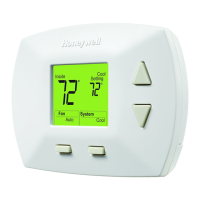
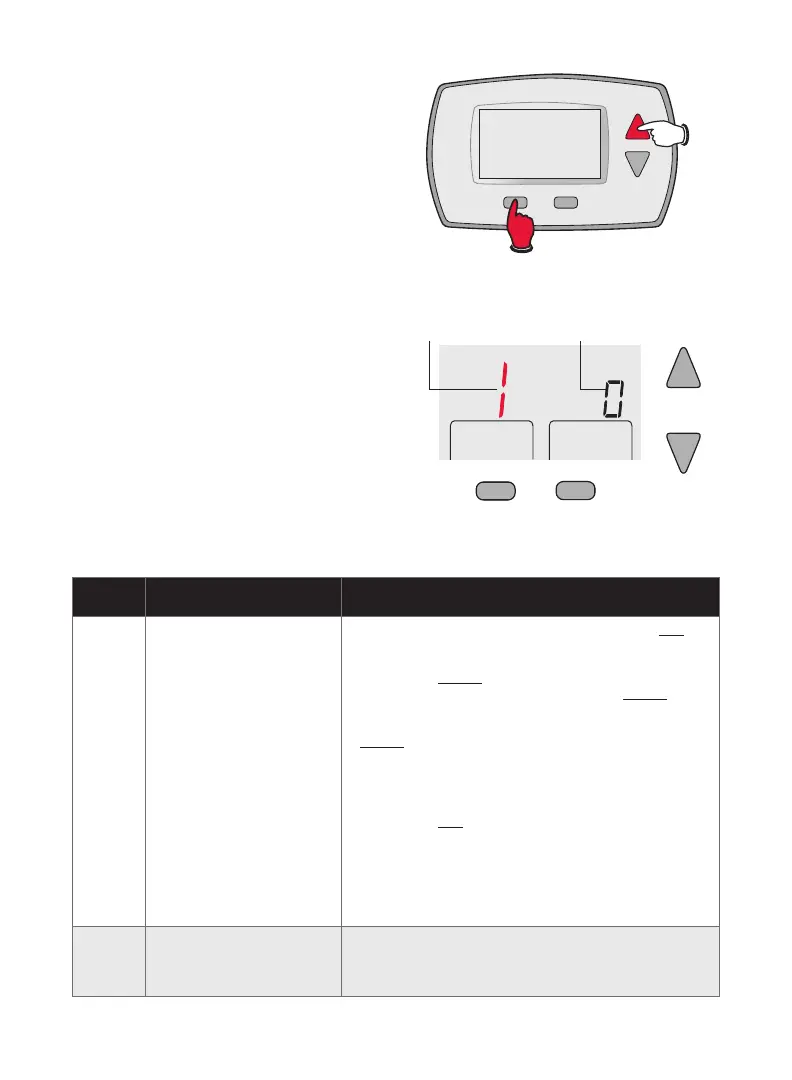
To enter system setup, press and hold
both the s and FAN buttons until the
display changes (approximately 5
seconds).
Changing Settings
1. Press the s or t button to change
the setting.
2. Press NEXT to advance to the next
function.
3. Press DONE to exit and save settings.


 To Next Page
 Loading...