14
Built-in compressor protection
This feature helps prevent damage to
the compressor in your air conditioning
or heat pump system.
Damage can occur if the compressor is
restarted too soon after shutdown. This
feature forces the compressor to wait a
few minutes before restarting.
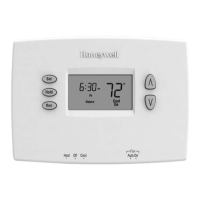
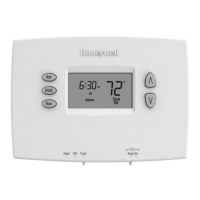
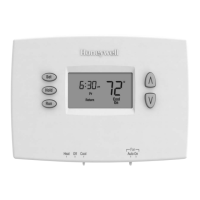
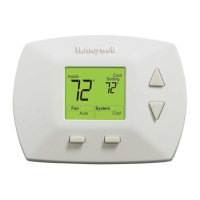
During the wait time, the display will
flash the message Cool On (or Heat
On if you have a heat pump). When
the safe wait time has elapsed, the
message stops flashing and the
compressor turns on.
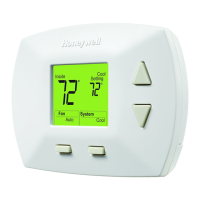
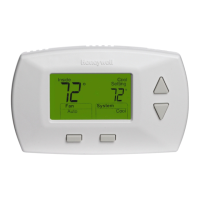
Cool On
Inside
Setting
Cool
System
Fan
Auto
Cool
Battery replacement
Install fresh batteries immediately when
REPLACE BATTERY begins flashing.
The warning flashes about two months
before the batteries are depleted.
Replace batteries once a year, or
when you will be away for more than a
month.
If batteries are inserted within two
minutes, the time and day will not
have to be reset. All other settings are
permanently stored in memory and do
not require battery power.
Press down and pull to
remove.
Insert fresh AA alkaline
batteries, then reinstall
battery holder.
Replace
Battery


 To Next Page
 Loading...