Search for Backup Data on Your Phone
If you have chosen to back up the data on your Phone to its internal storage or a USB storage device,
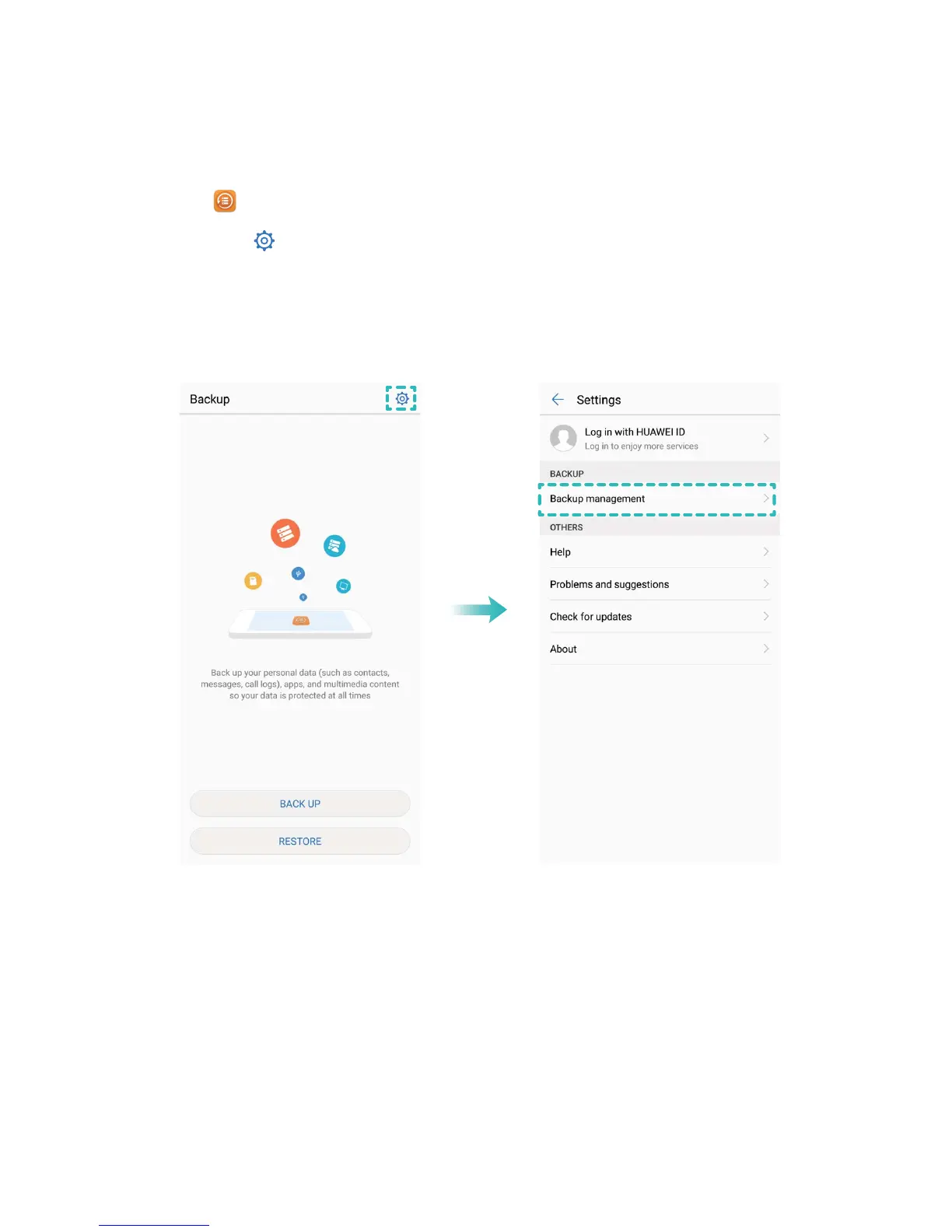
you can view or delete backup les in Backup management.
1 First, open Backup.
2 Then touch the icon at the top of screen, and then touch Backup management.
3 Select a backup storage medium and touch Next to nd the location of the backup le.
4 To delete the backup data or any les contained on the storage medium, touch Delete. Media les
must also be deleted from the Multimedia backup.
Backup and Restoration
97



 To Next Page