Exciting Features
Featured Usage Tips
Tips: Get to Grips with Features on Your Phone
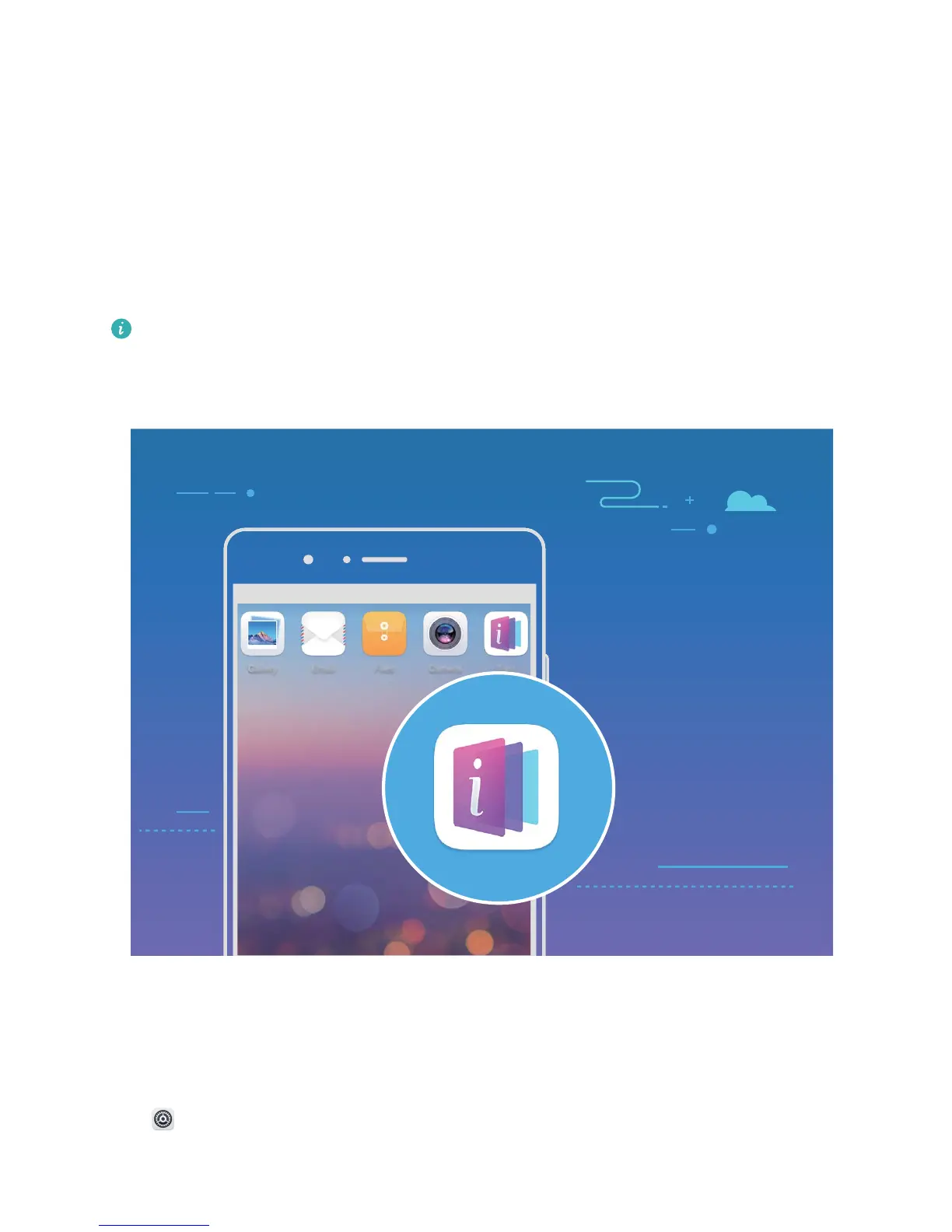
If you have a new Phone, but are unfamiliar with some of its features, try using the Tips app.
Tips is a pre-installed app in your Phone. Tips introduces selected features and includes links to the
user guide, helping you to get accustomed with your Phone more quickly.
Intuitive suggestions: After you have used your new Phone for a while, the smart suggestion
feature will be automatically enabled on your Phone. This feature offers intuitive suggestions for
specic usage scenarios, which should help you get more out of your Phone.
Access Phone Functions from Anywhere with Navigation Dock
In order to close an app or return to the home screen, you must use the navigation bar at the bottom
of your Phone. You can enable the Navigation dock feature on your Phone to avoid using navigation
buttons and to comfortably operate your device with one hand.
Open Settings. Go to System > System navigation > Navigation dock and enable Navigation
dock. The Navigation dock will appear on the screen. You can then drag it to your preferred location.
The Navigation dock can perform the following actions:
1



 To Next Page