Camera Tips
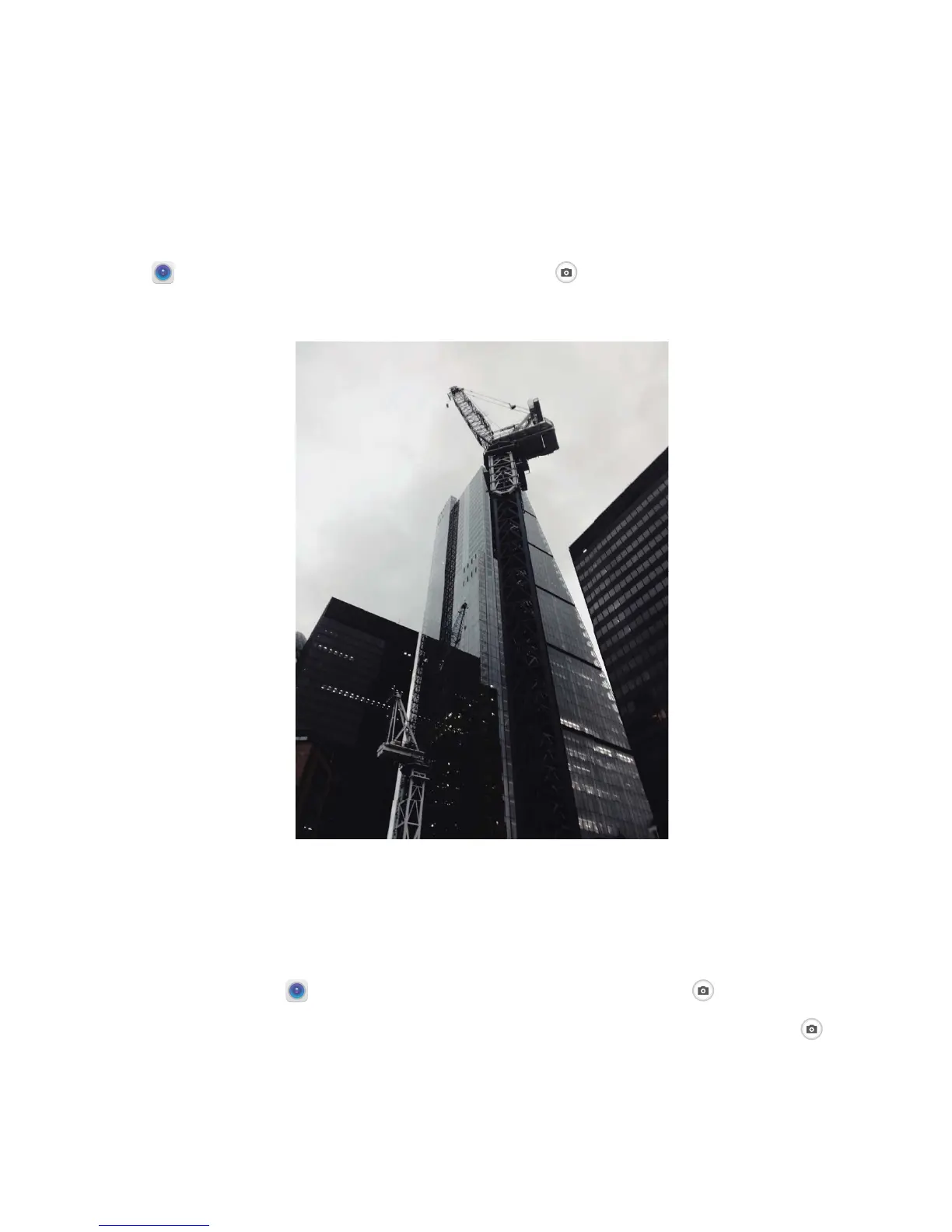
Take Black and White Photos
The world is an amazingly colorful place. But sometimes too much color can be distracting.
Monochrome mode lters out color, helping to bring out light and shadows, and give photos more
mood and atmosphere.
Open Camera > More > Monochrome, and then touch to take photos in black and white.
Use 3D Panorama to Take 360-degree Photos
Try the 3D panorama function to capture a 360-degree view of a scene or person.
There are three shooting modes for the 3D panorama function:
l Shoot objects: Open Camera > More > 3D panorama. Touch and hold , then follow the
onscreen prompts to slowly move your Phone around your subject in one direction. Release
to
stop shooting. After shooting, touch the camera thumbnail, and then touch



 To Next Page