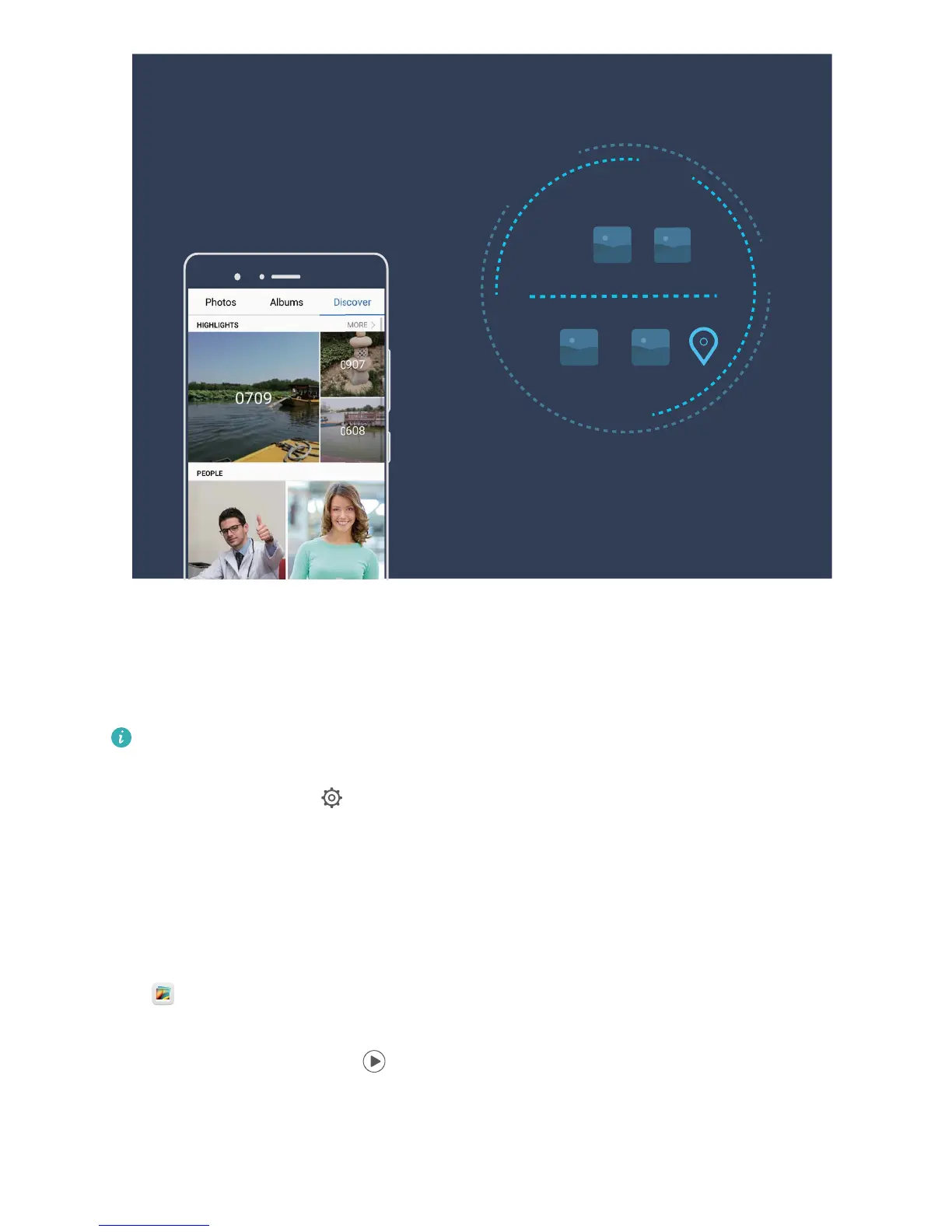
Customize the Highlights Albums
Want to change the photos and videos in the Highlights album, the background music, or the video
template of a Highlights video? You can edit a Highlights album by customizing photos and videos in
the album and personalizing the generated video with the background music or template you like.
l The Highlights album is generated based on the time and locations of photos and videos. Your
Phone will generate a video based on the time and locations of photos. Before taking a photo,
open Camera, touch
, and check that GPS tag is enabled.
l Ensure that your Phone is connected to the Internet.
l When your Phone is charging in sleep mode and has more than 50% battery, it will
automatically sort and create a Highlights album. It may take a while for your device to nish
the analysis. Your device will not automatically create a Highlights album if there are insufcient
photos or videos (less than 7 photos) in your Gallery.
Open Gallery and touch the Highlights album you want to view or edit under Discover. Then, you
can perform the following operations:
l Play or edit Highlights: Touch
and you can edit the video's template or background music
using the options bar near the bottom of the screen during playback.
Gallery
60



 To Next Page