Use Your Fingerprint to Access a Locked App
1 Go to Settings > Biometrics & password > Fingerprint ID and enter your lock screen
password.
2 Turn on the switch for Access App Lock and follow the onscreen instructions to link your
ngerprint with App lock.
You can now touch a locked app on your home screen and use your ngerprint to access it.
Enable and Use Fingerprint Payment
You can use your ngerprint to verify your payments in a payment app.
Go to the payment app and follow the onscreen instructions to enable this feature.
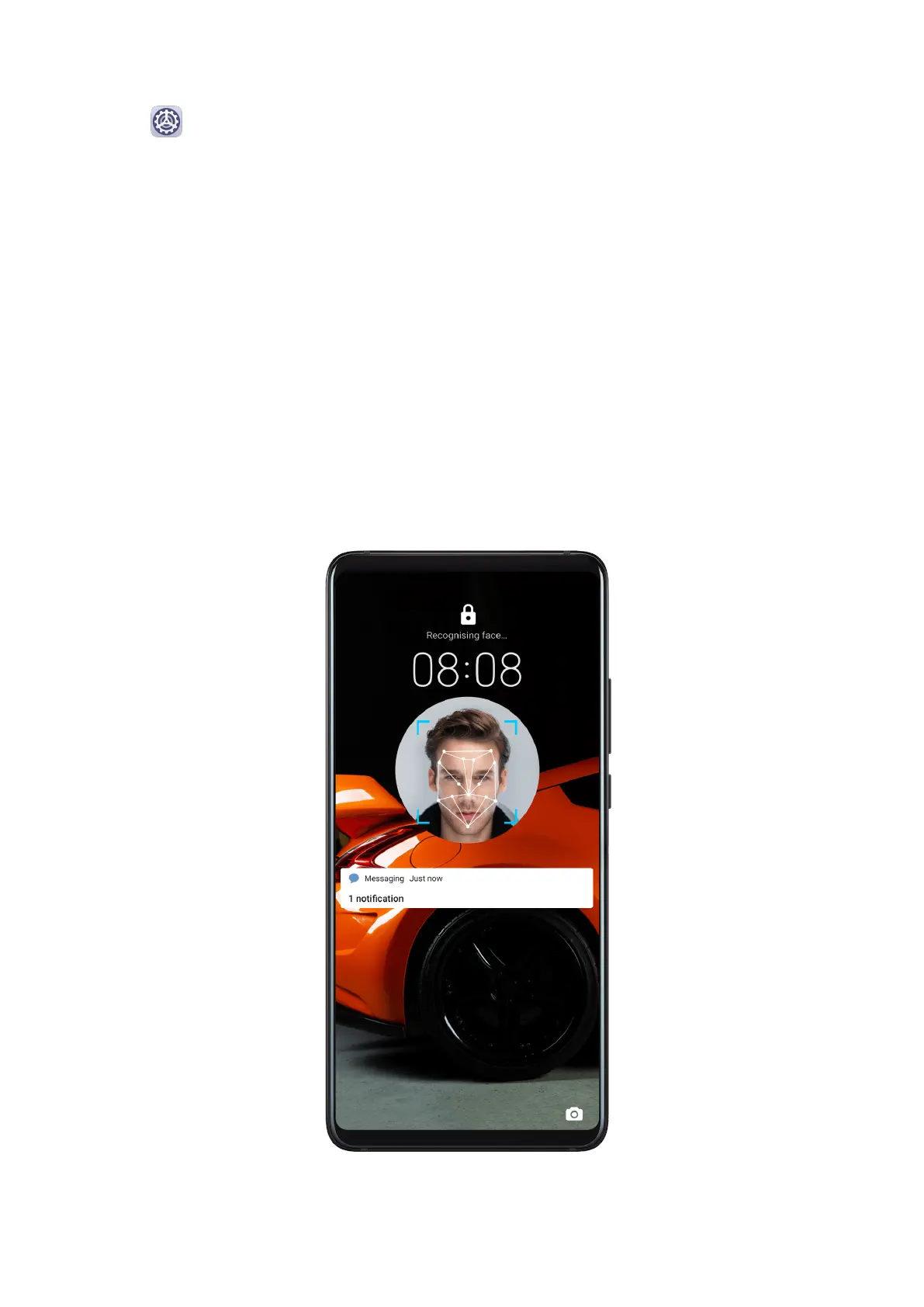
Facial Recognition
Face Recognition allows you to unlock your device or access locked apps with your facial
data, even in dark environments.
Ensure that you are facing the device screen when using face recognition.
Settings
116



 To Next Page