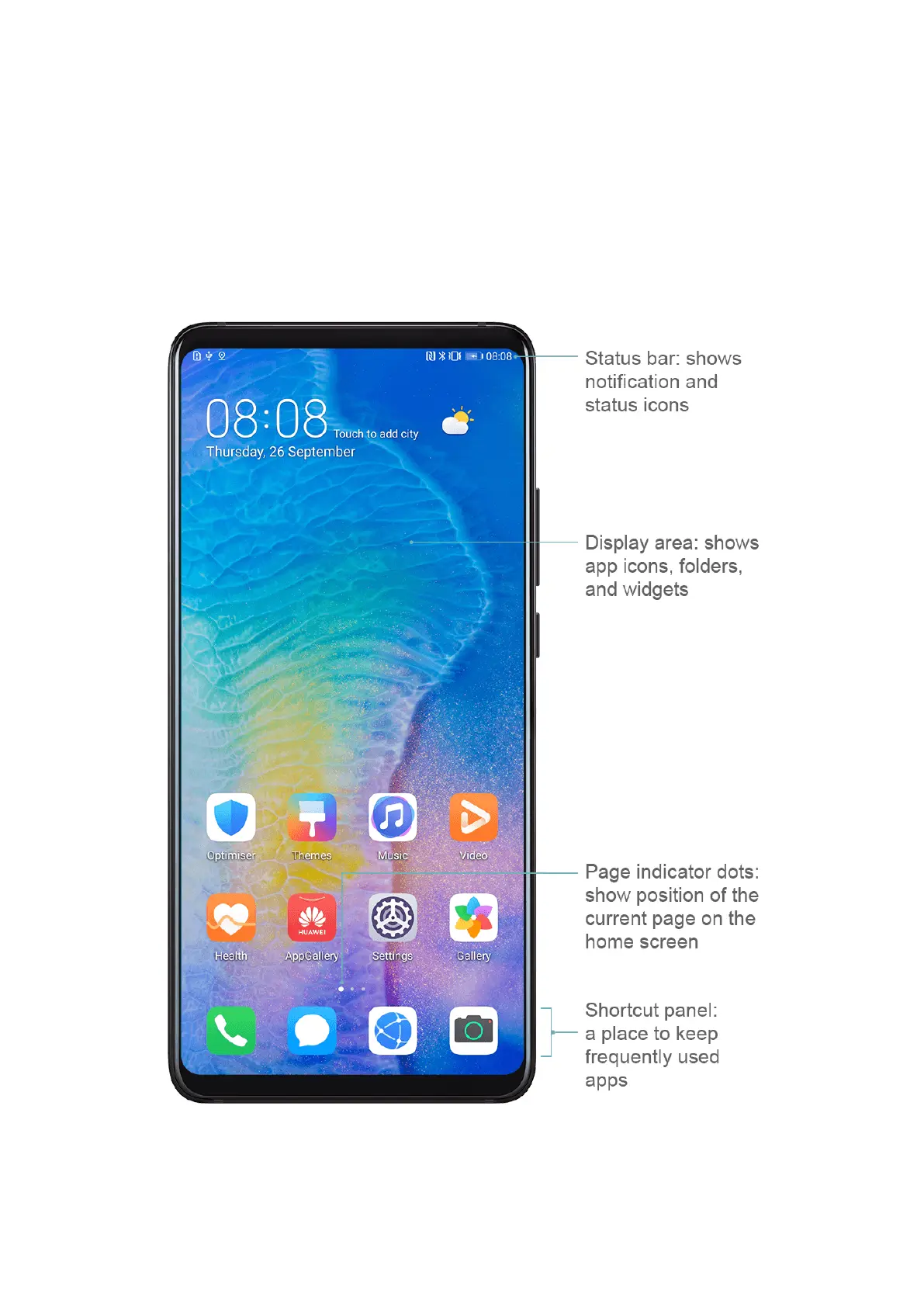
Get Familiar with the Home Screen
From the home screen, you can:
• Check the status of your device and notications from the status bar at the top of the
screen.
• Swipe left or right to view apps and widgets displayed on the home screen.
• Swipe left to reach the leftmost screen, and enable HUAWEI Assistant so your device can
provide you with smart notications on this screen.
Notication and Status Icons
Essentials
10



 To Next Page