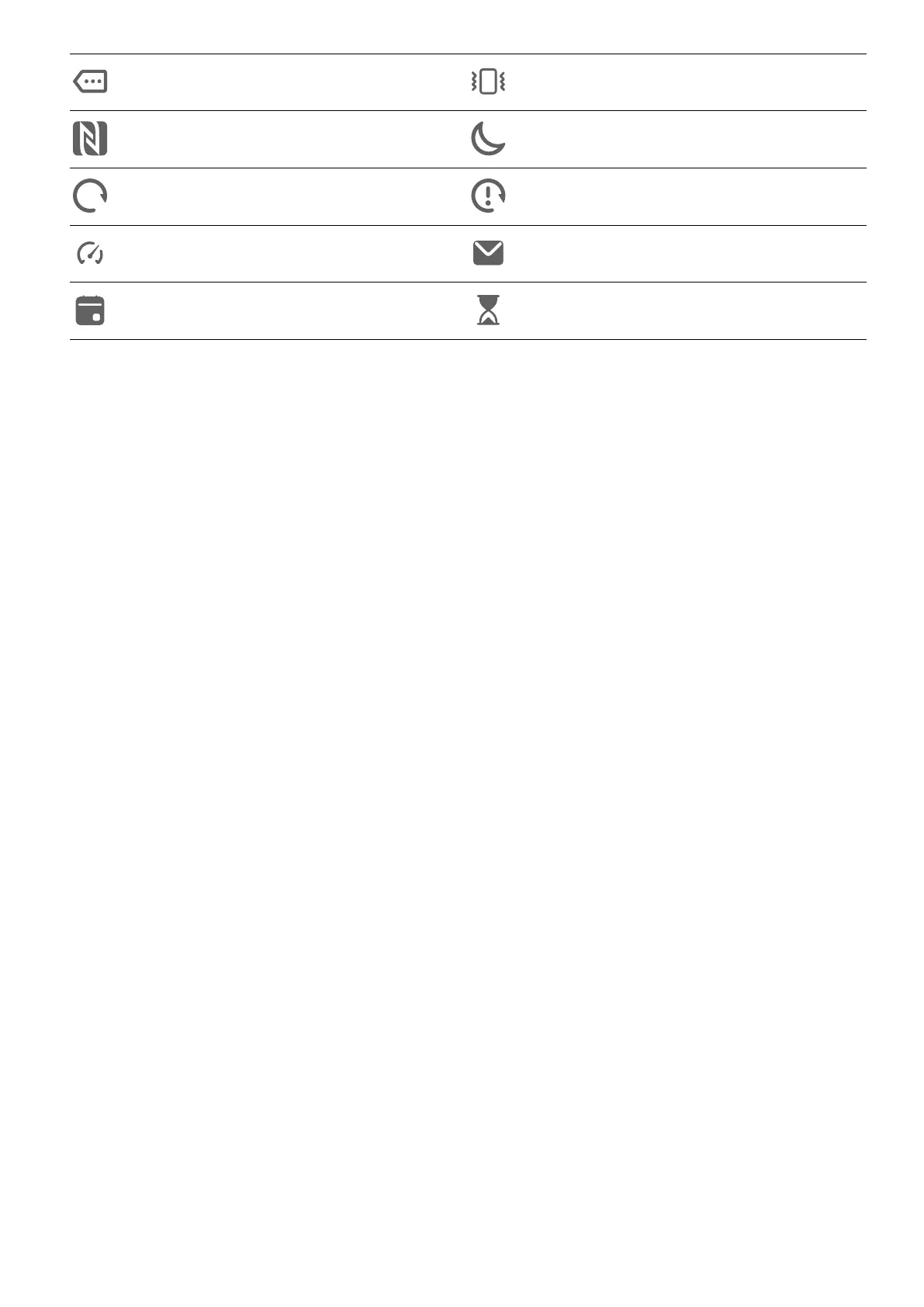
More notications Vibrate only
NFC enabled Do Not Disturb mode enabled
Data syncing Data sync failed
Performance mode enabled New emails
Event reminders Digital balance enabled
Shortcut Switches
Shortcut Switches
Turn on a Shortcut Switch
Swipe down from the status bar to open the
notication panel, then swipe down on it again
to show all shortcuts.
Essentials
12



 To Next Page