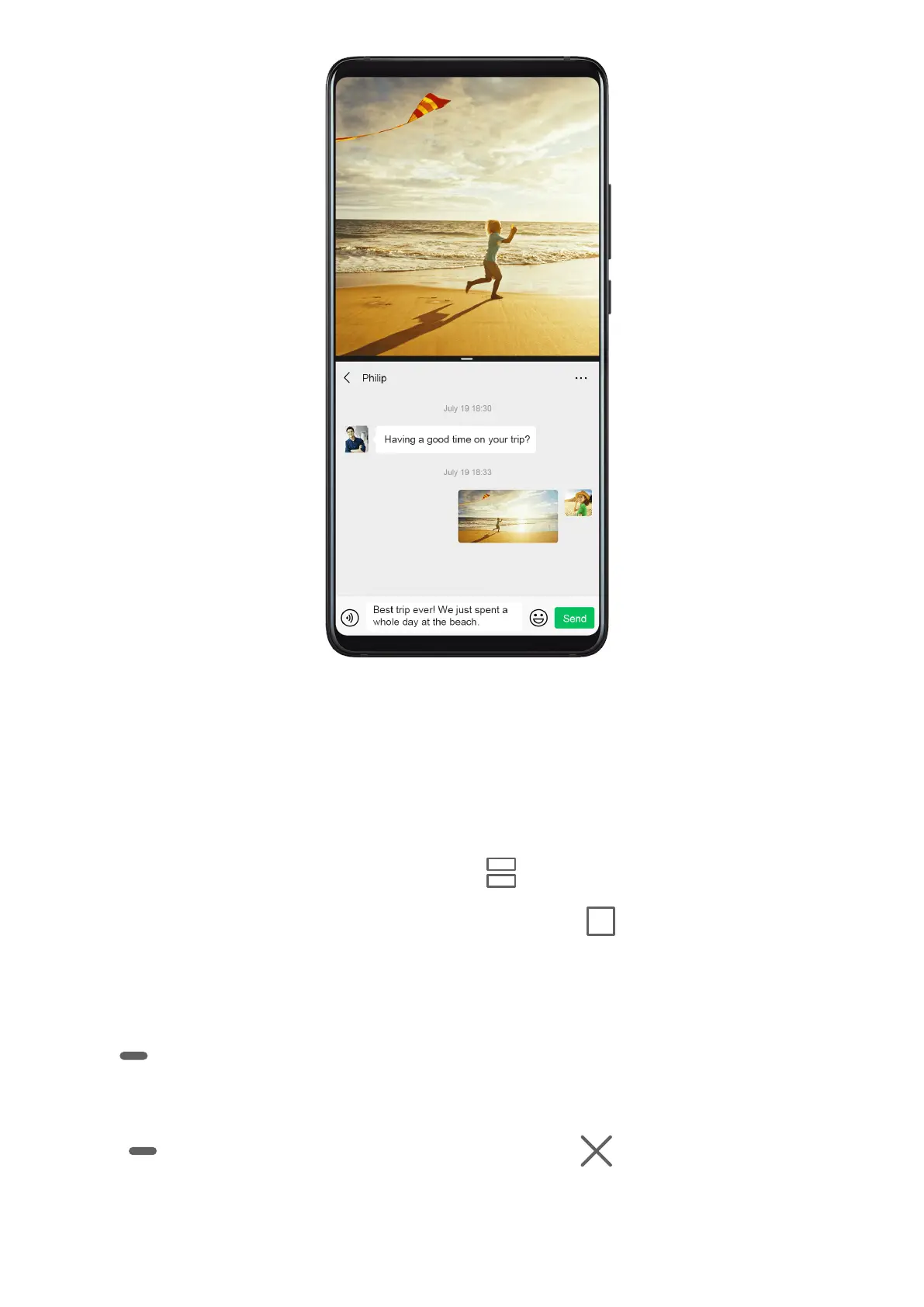
Enable Split-screen Mode
1 Open an app.
2 Enable split-screen mode using any of the following methods:
• Swipe up from the middle of the screen with three ngers.
• When using gesture navigation, swipe up from the bottom of the screen and hold to
enter the Recent tasks screen. Then touch .
• When using three-key navigation, touch and hold the key.
3 Open the other app to start multitasking.
Adjust the Size of the Split-screen Panes
Drag
in the middle of the split screen line to the desired position on the screen.
Disable Split-screen Mode
Touch in the middle of the split screen line, then touch .
Power On and O or Restart Your Device
Essentials
22



 To Next Page